
Two Columns Slide Layout
The two-columns layout is used to display content in two columns. It provides two equal-sized content areas. Use the ::right:: separator to split the content into two columns.
---layout: two-columns---
<!-- Content on the left -->
# Left
This shows on the left.
::right::
<!-- Content on the right -->
# Right
This shows on the right.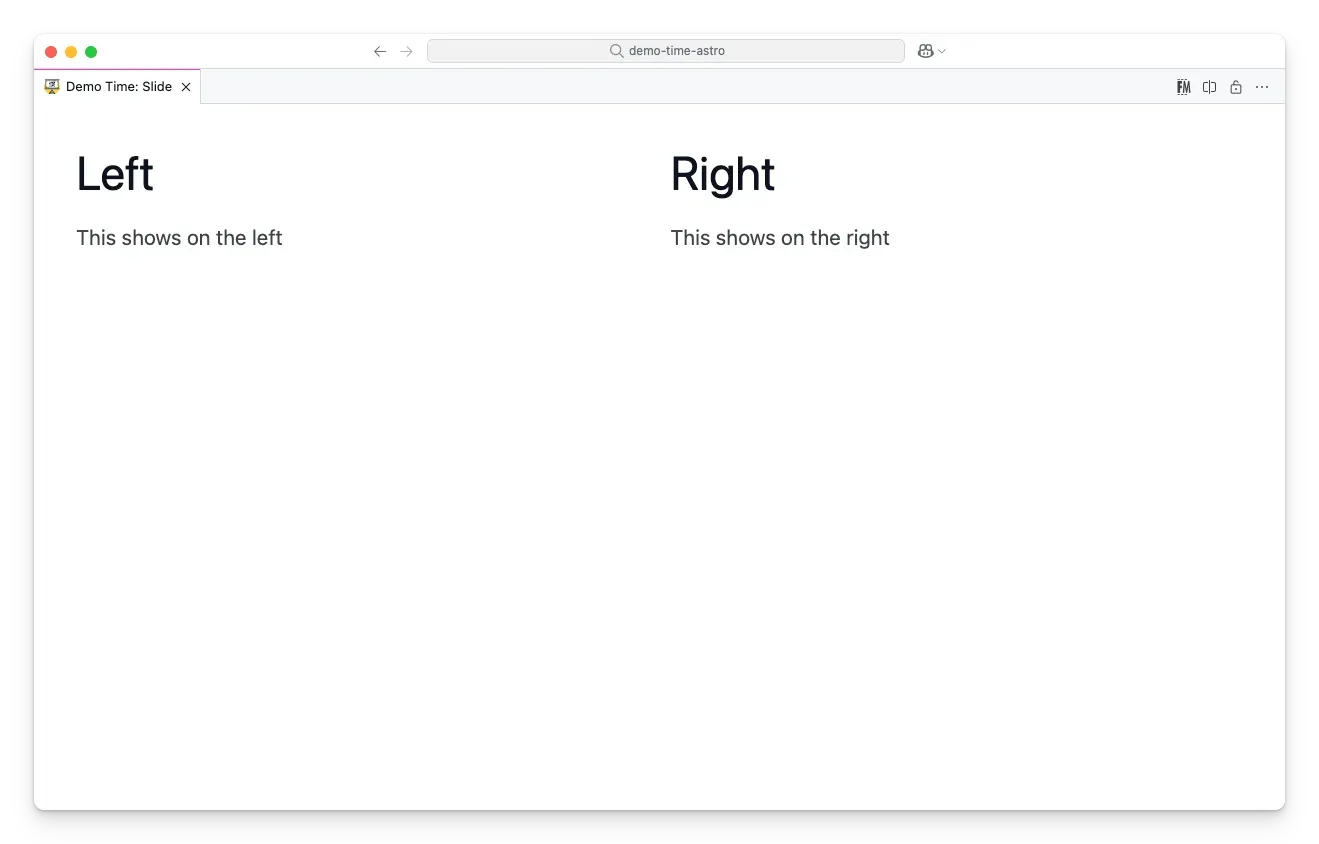
Using sections
The ::section:: separator is a more flexible alternative that splits slide content into numbered <div> elements (.slide__section.section-1, .slide__section.section-2, etc.). This is useful when you want to add content above or below the two-column area, or to style each section independently with CSS.
---layout: two-columns---
# My Slide Title
::section::
<!-- Two-column area -->
Left column content.
::right::
Right column content.
This renders as:
<div class="slide__section section-1"> <h1>My Slide Title</h1></div><div class="slide__section section-2"> <div class="slide__left"><p>Left column content.</p></div> <div class="slide__right"><p>Right column content.</p></div></div>