
Highlighting code
Highlights are a great way to draw attention to specific code snippets during your presentation. To ensure a clean transition between moves, Demo Time now automatically clears any active highlight when you move to the next move in your scene.
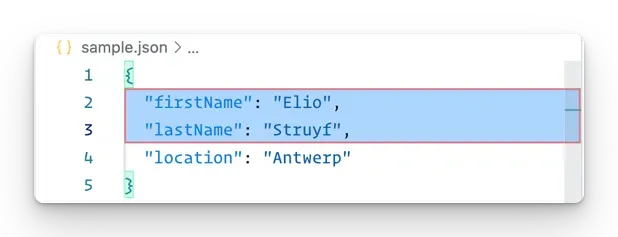
By default, the extension highlights the code in a box with a red border. You can customize how you want to highlight the code with the highlight settings.
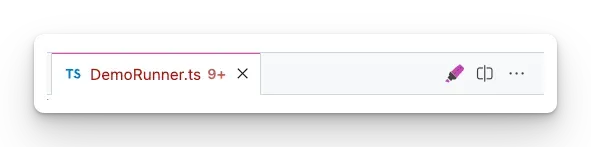
When the current scene includes a highlight action, there will be a highlight button available in the editor title bar on the right. You can use this to toggle the highlight on and off.
Customizing the highlight
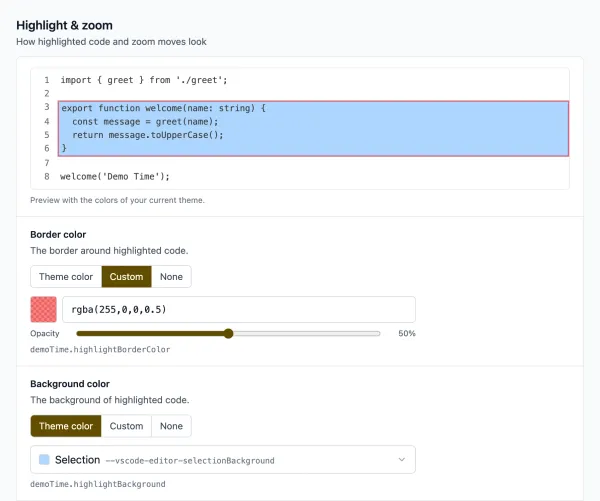
The demoTime.highlightBorderColor and demoTime.highlightBackground settings take one of these values:
- A theme color: a VS Code theme color variable, like
var(--vscode-editor-selectionBackground)(the default background), so the highlight matches the theme you present with. - A custom color: any CSS color, like
#ff000080,rgba(255, 0, 0, 0.5)orred. - No color:
transparent, for example to highlight without a border.
The Demo Time: Settings command opens the settings view, where you pick Theme color, Custom or None for each color and see a preview of the highlight with the colors of your current theme.
Here is an example where the highlight border and background color are customized. Besides these color changes, the text which is not highlighted is blurred and its opacity is reduced to have a better focus on the highlighted code.
{ "demoTime.highlightBorderColor": "transparent", "demoTime.highlightBackground": "rgba(19, 142, 151, 0.2)", "demoTime.highlightOpacity": 0.5, "demoTime.highlightBlur": 2,}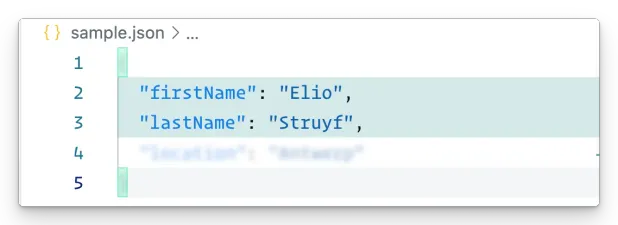
Whole line highlighting
When you use the line only positioning or placeholder positioning, the whole lines will be highlighted.
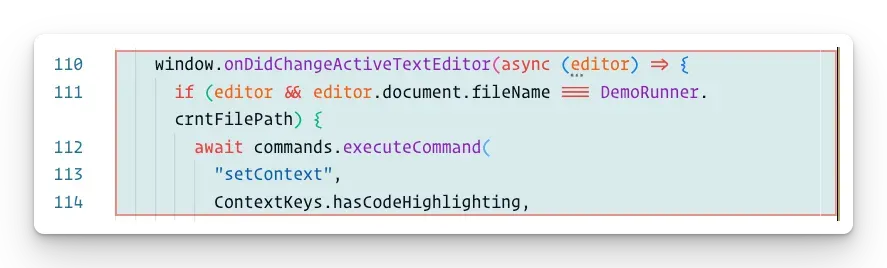
When using this type of highlighting, you are able to use a border to highlight the code.
Code area highlighting
When you use the “line + character” position or setting highlightWholeLine property to false when using placeholder positioning, the highlighted code will not include a border.
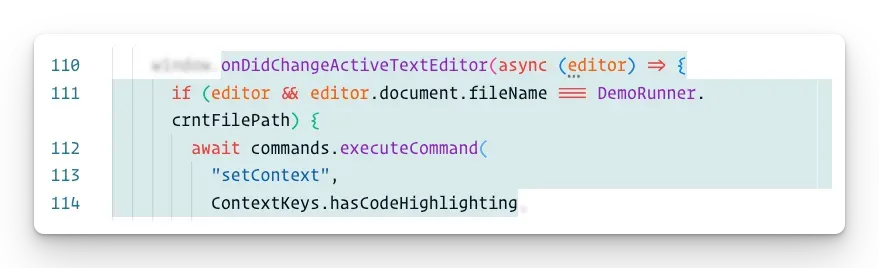
This kind of highlighting can be used when you only want to highlight a specific part of the code.
Highlighting current line or selection
If you want to highlight the current line or selection, you can use the Demo Time: Toggle highlight of current line or selection command. This will add a highlight to the current line or selection.