
Slide themes
Personalization matters! Demo Time allows you to customize the look and feel of your slides by selecting a built-in theme or creating your own.
Similar like defining the layout in the front matter of a slide, you can also define a theme to apply a specific theme to a slide. If you don’t specify a theme, the default theme will be used.
---theme: default---
# Welcome to Demo Time!
To use your own theme, create a CSS file and load it with the customTheme front matter property or the demoTime.customTheme setting. See custom themes for more information.
---theme: my-themecustomTheme: .demo/theme/my-theme.css---
# Welcome to Demo Time!
Built-in themes
defaultminimalmonomiunnamedquantumfrostpixels
Theme overview
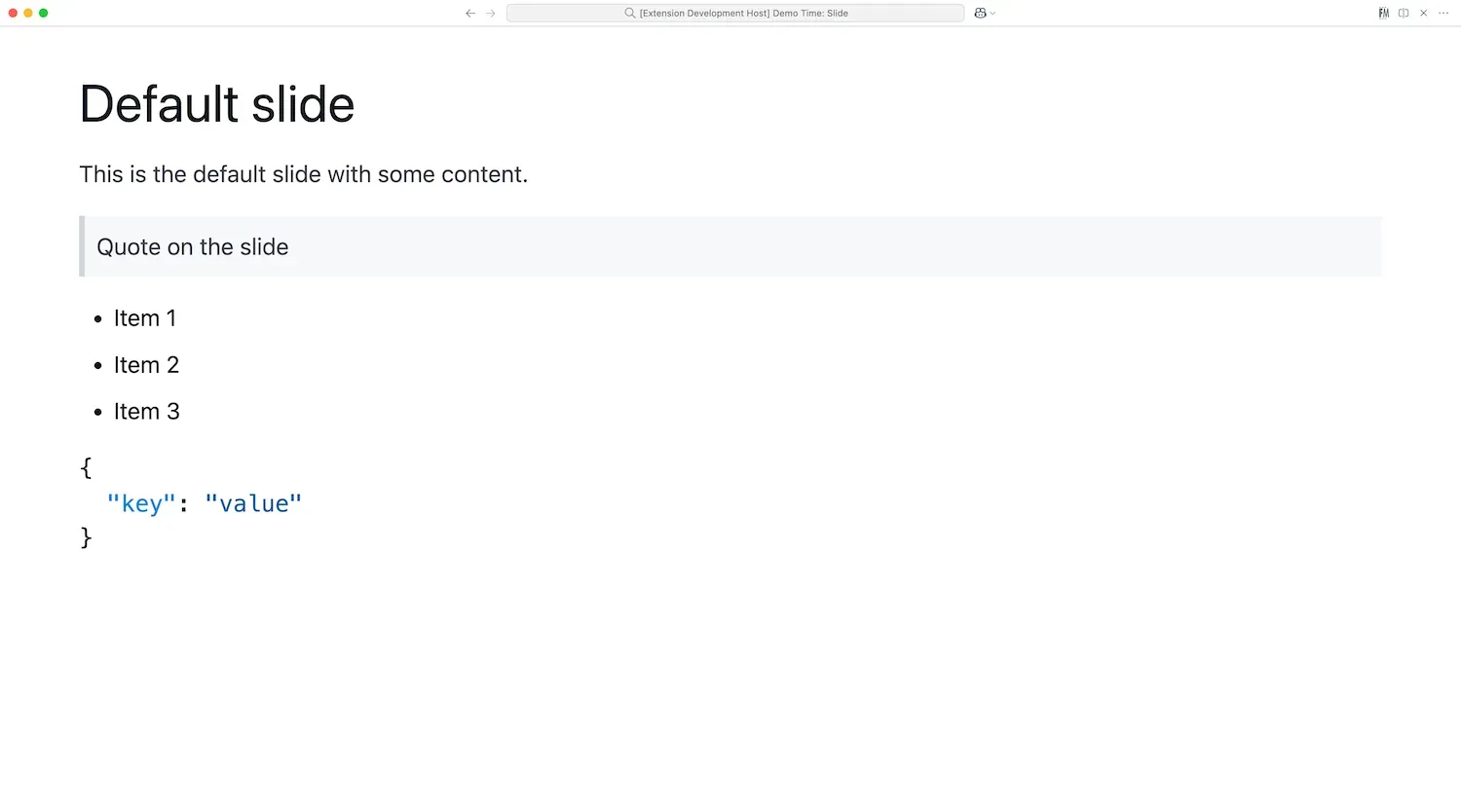
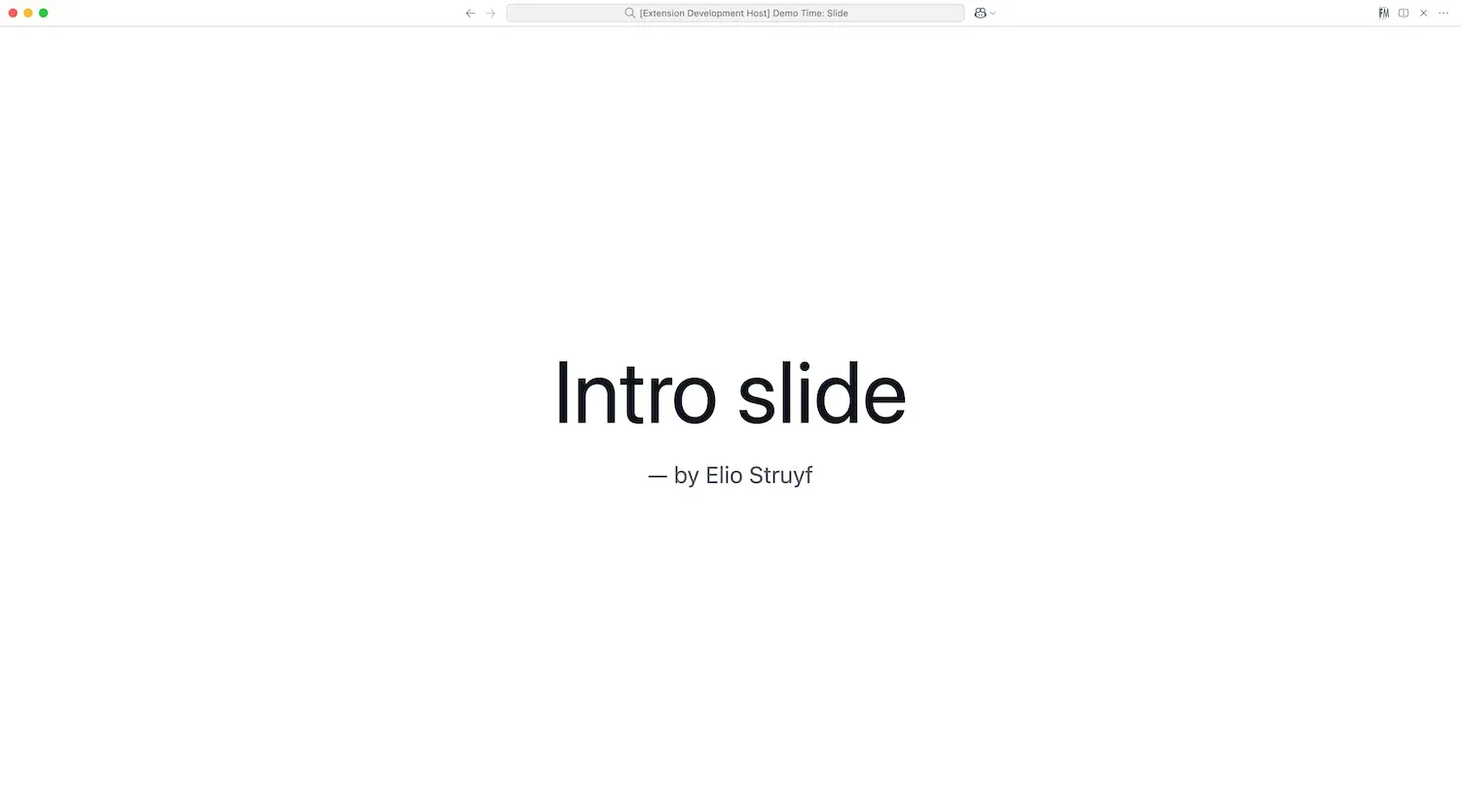
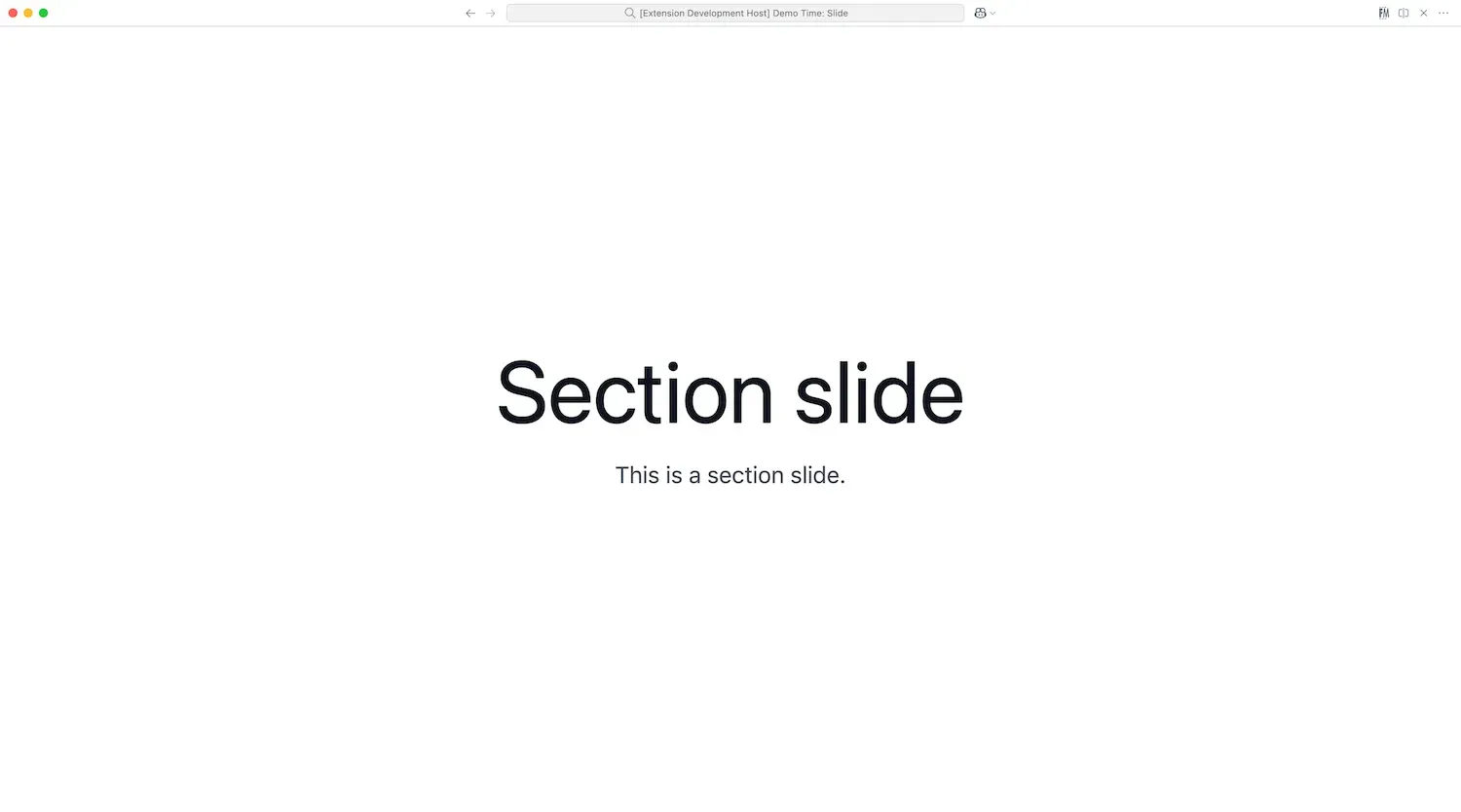
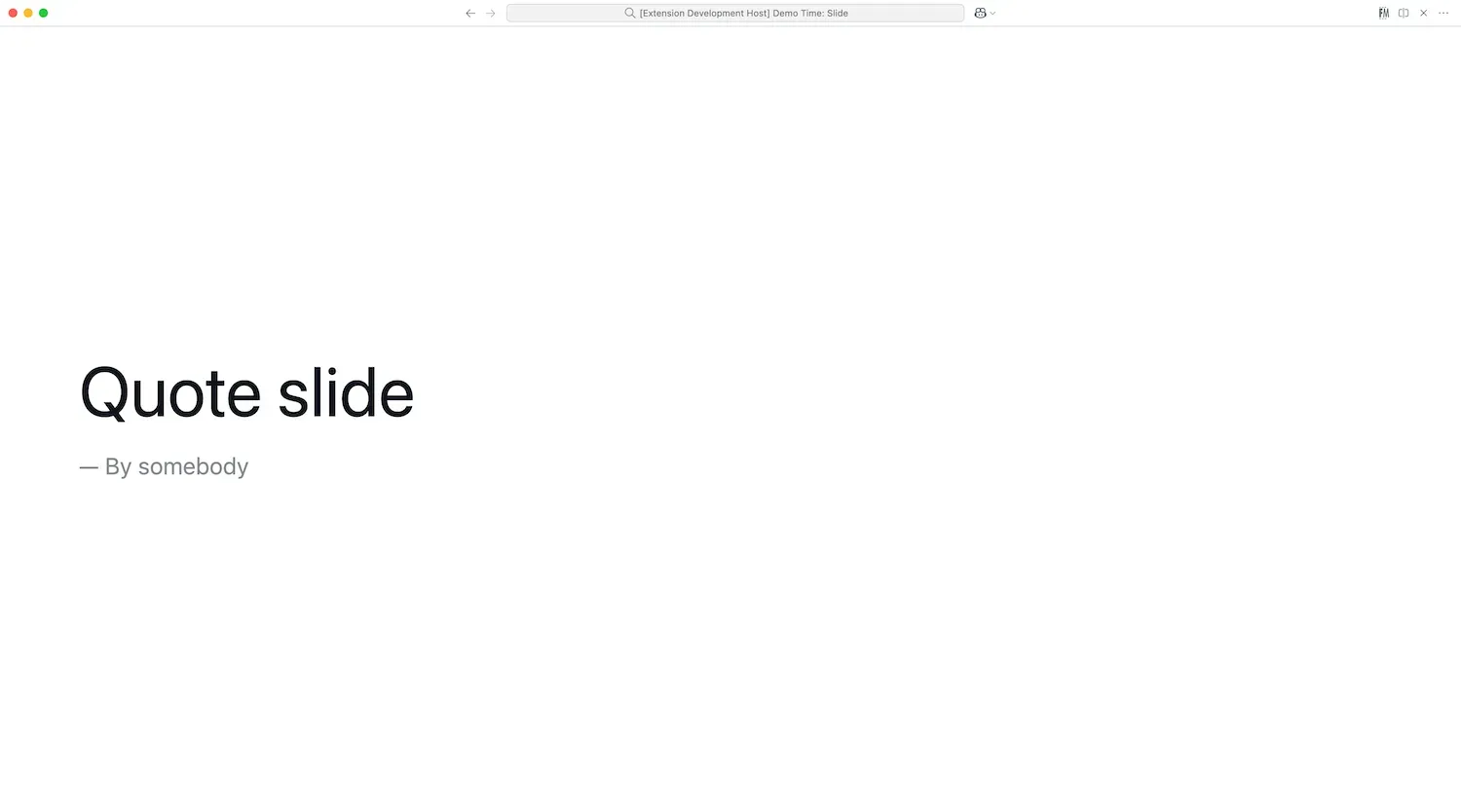
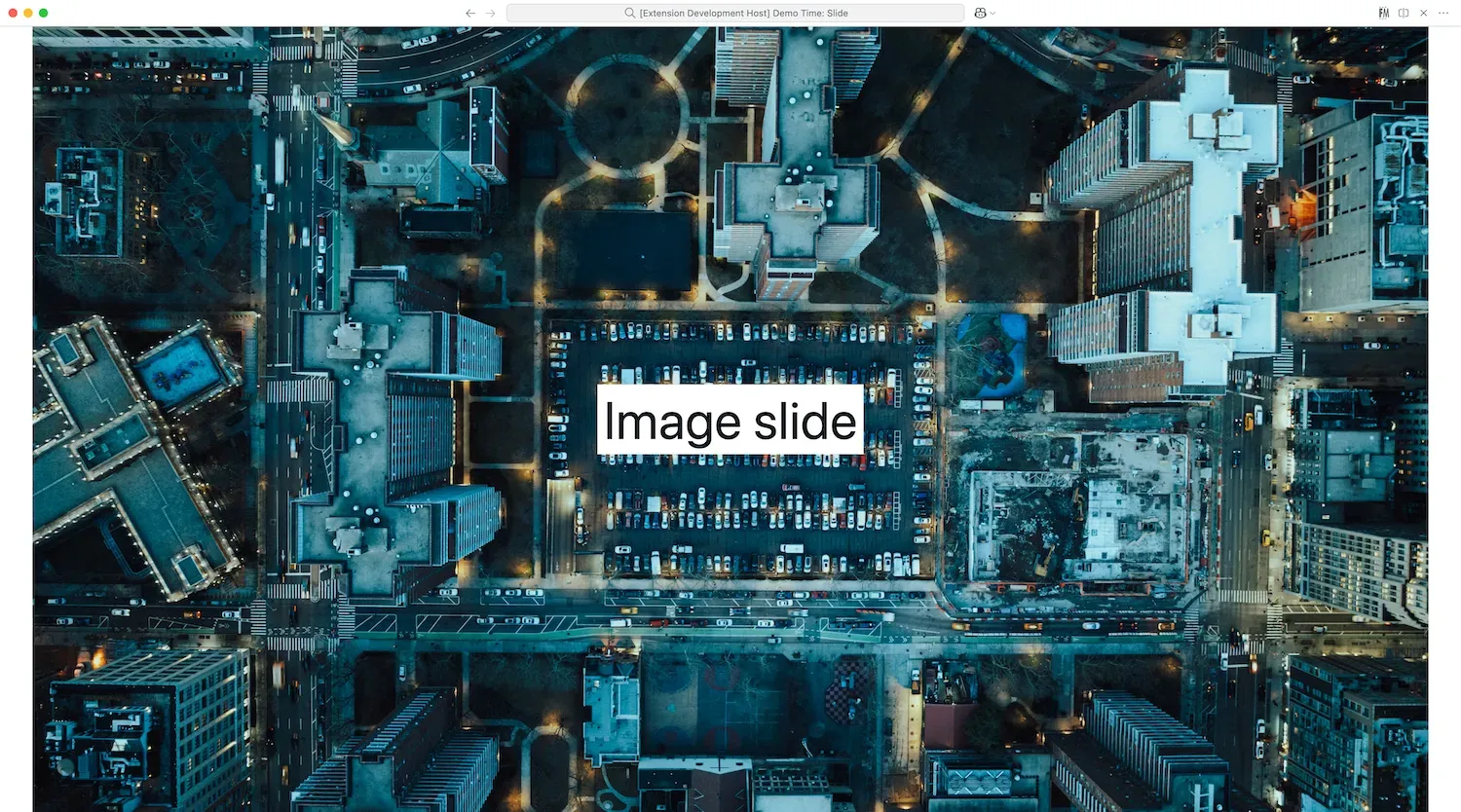
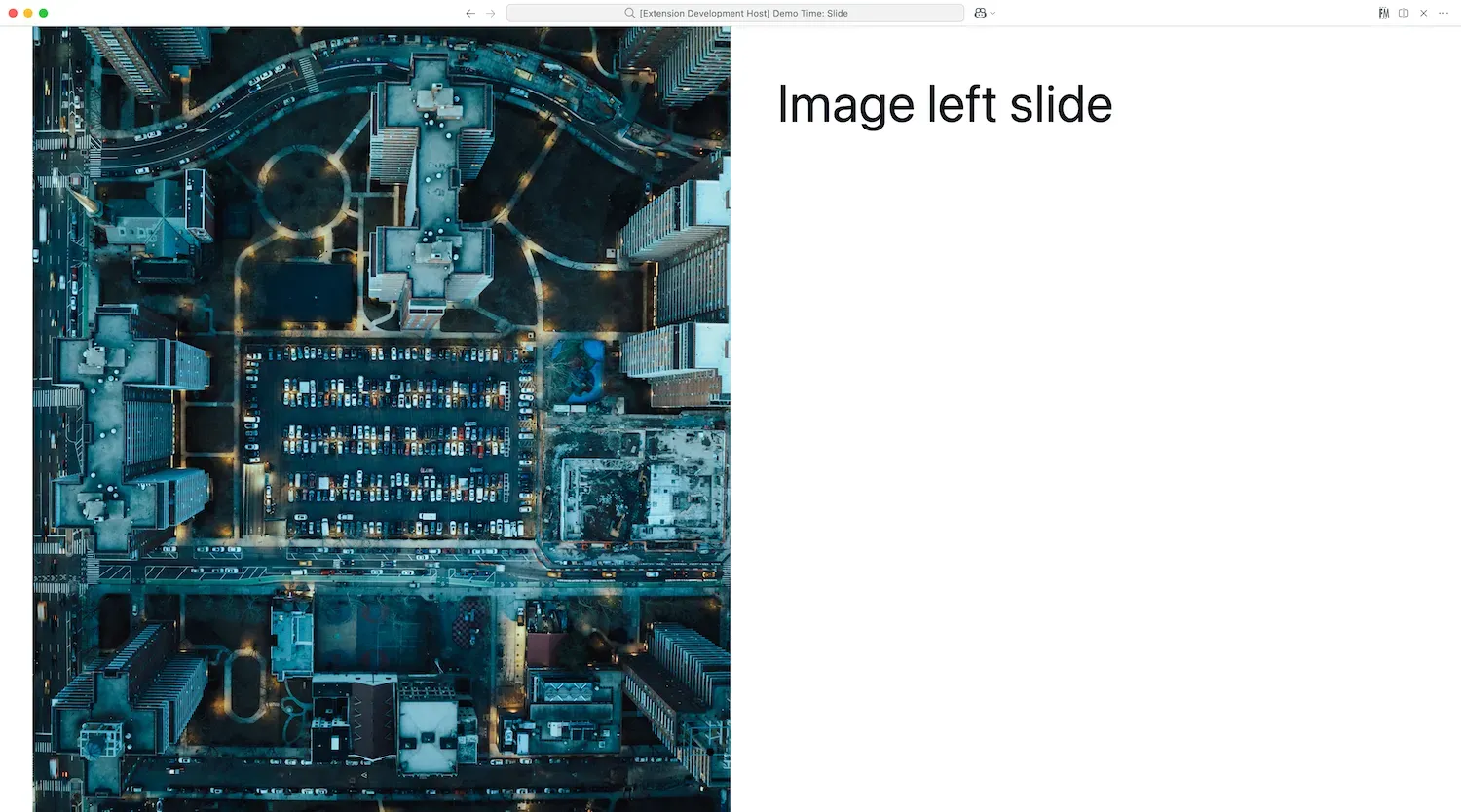
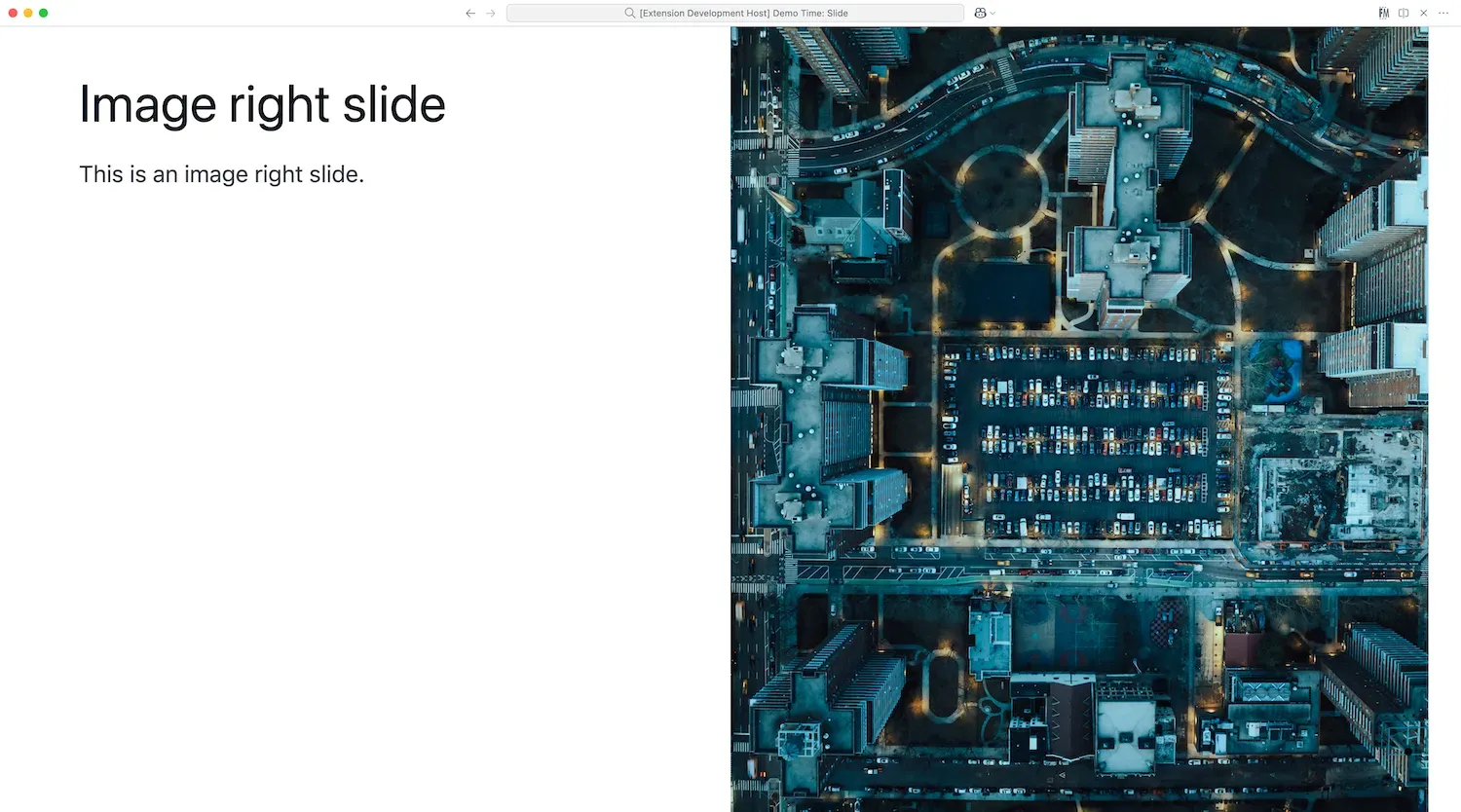
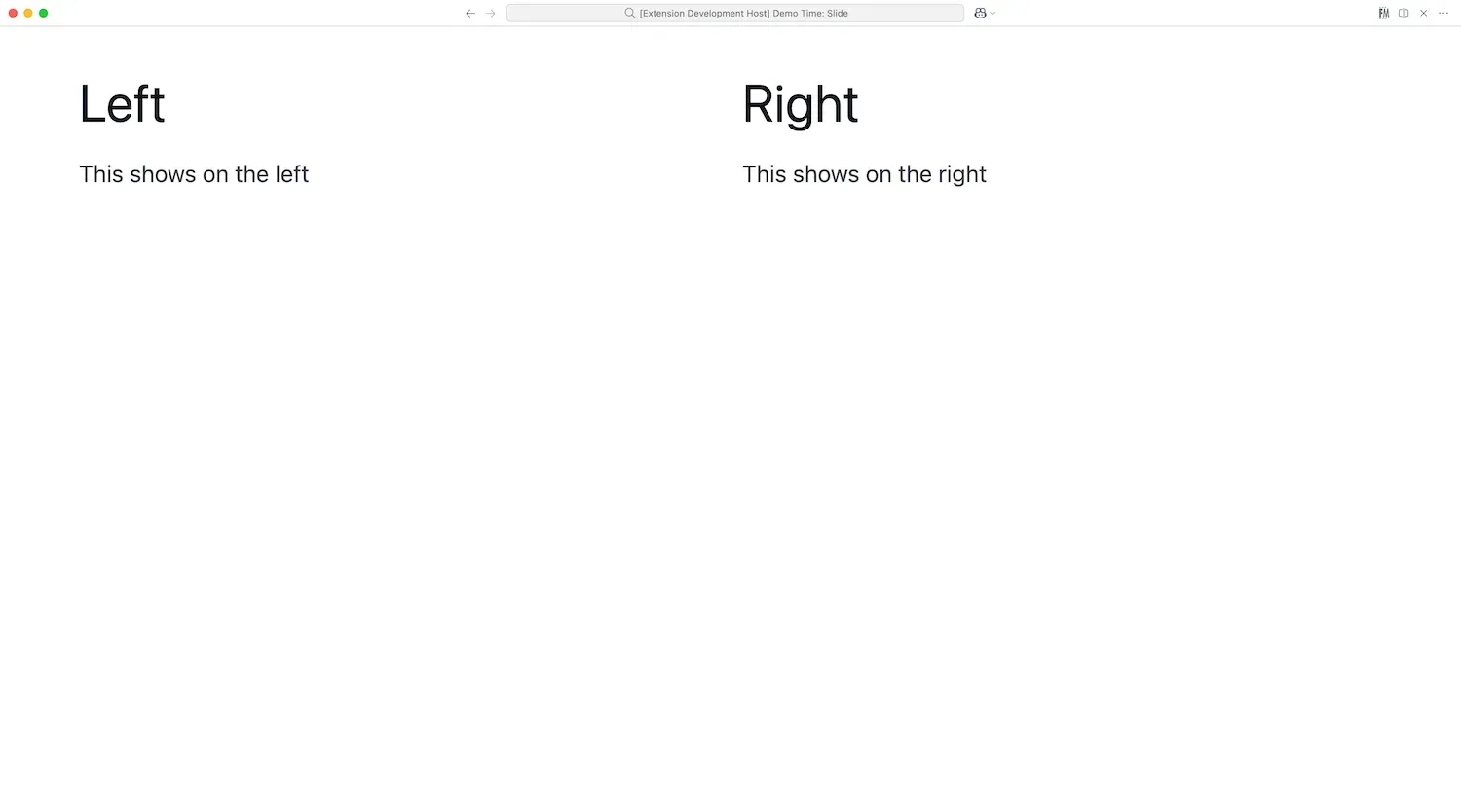
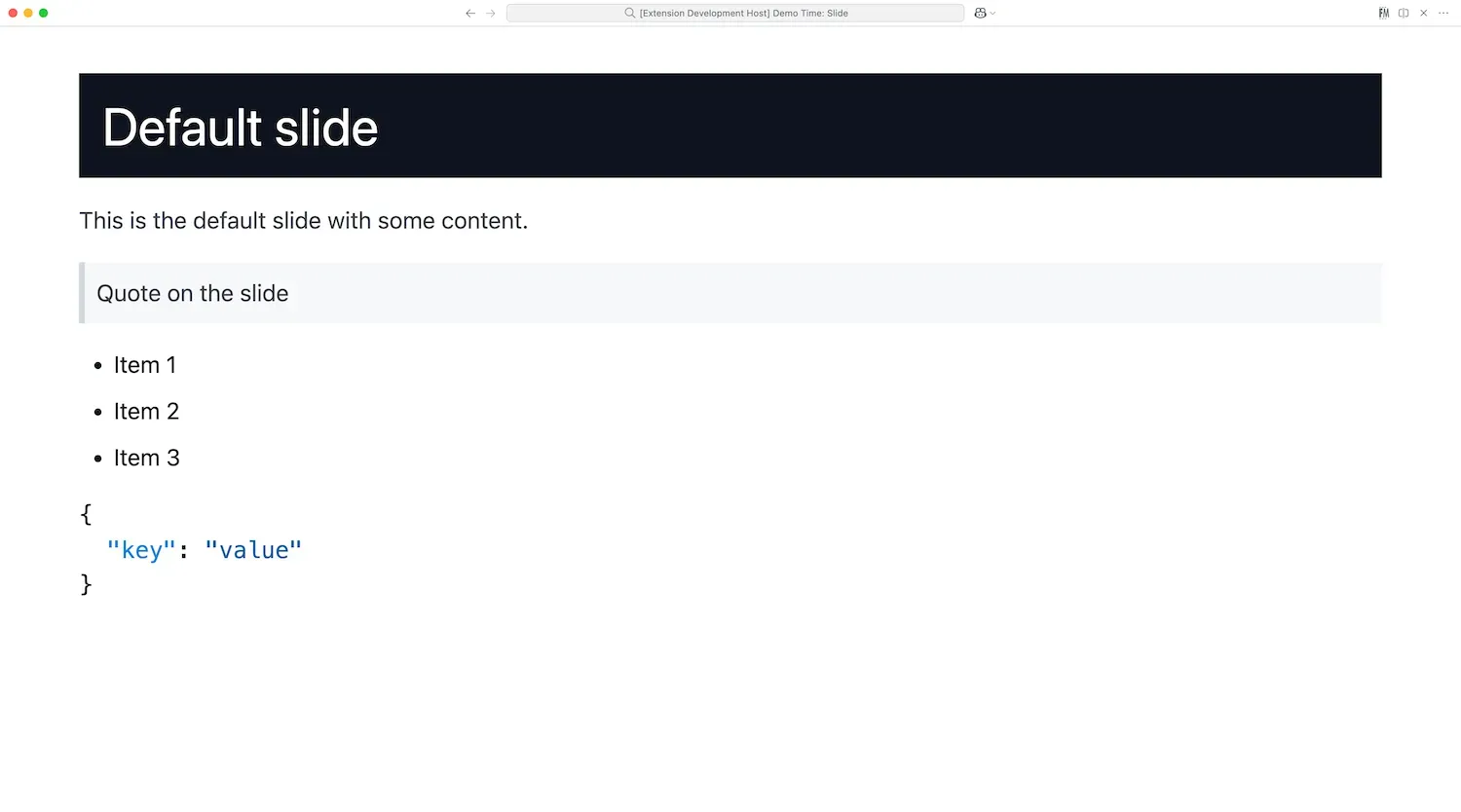
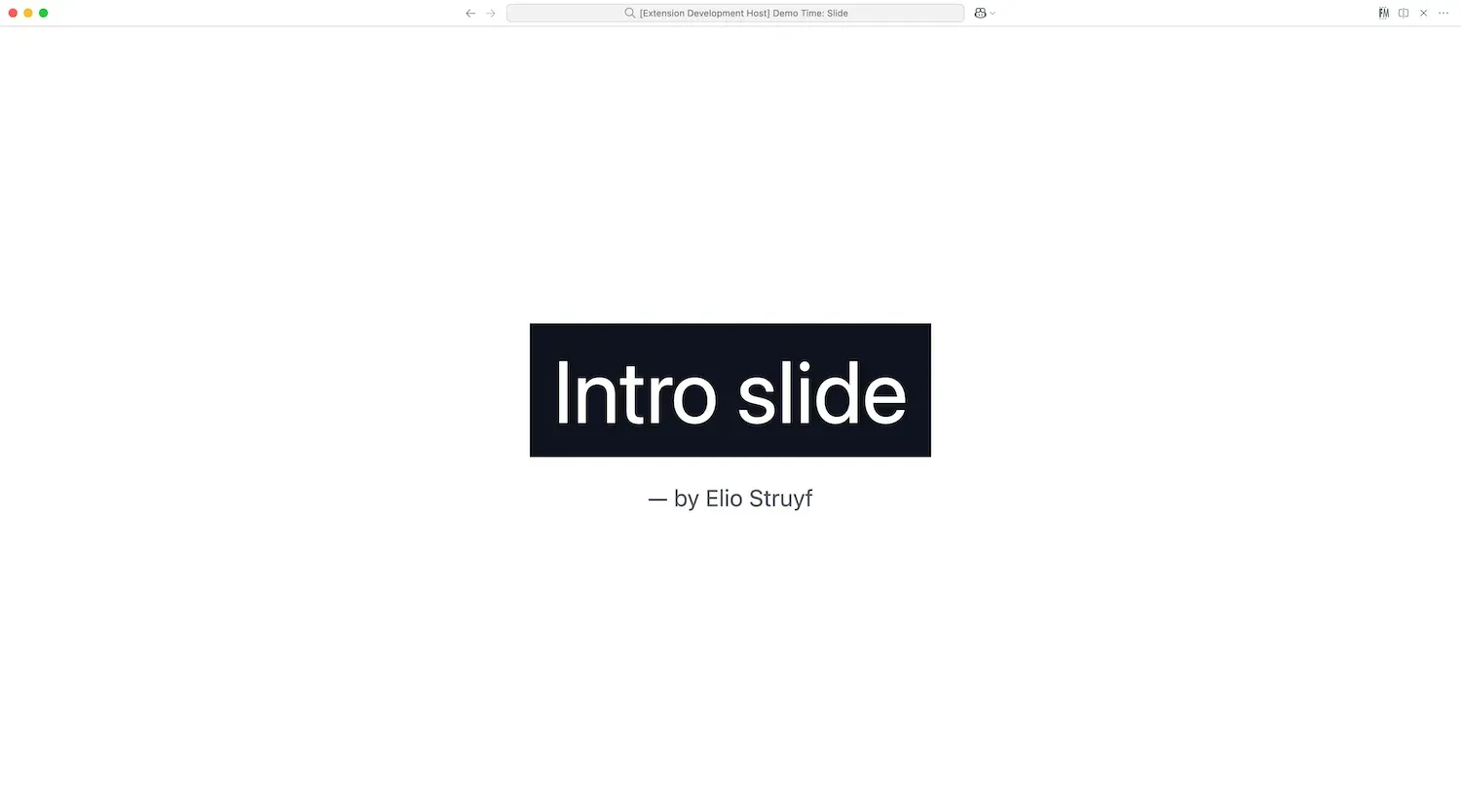
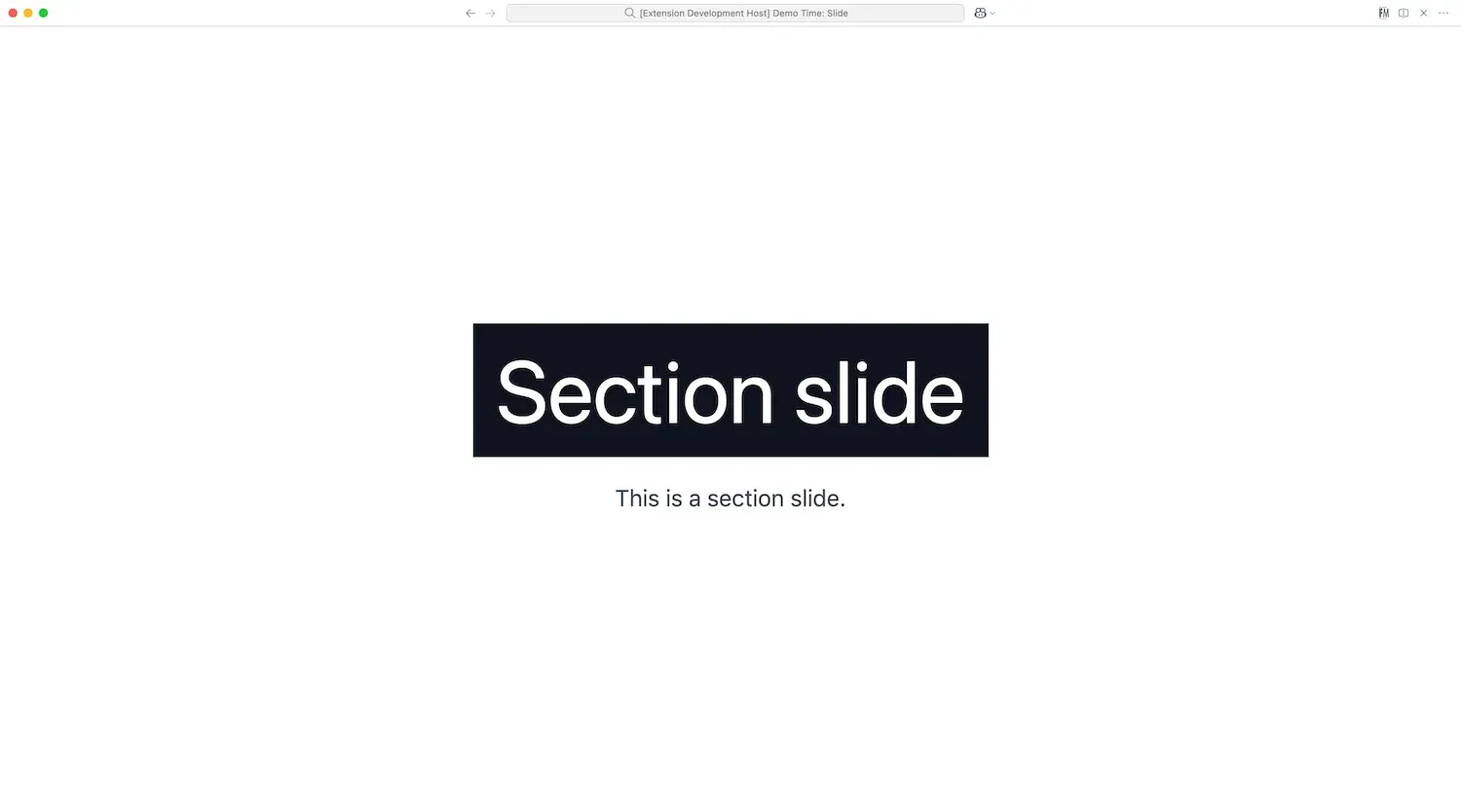
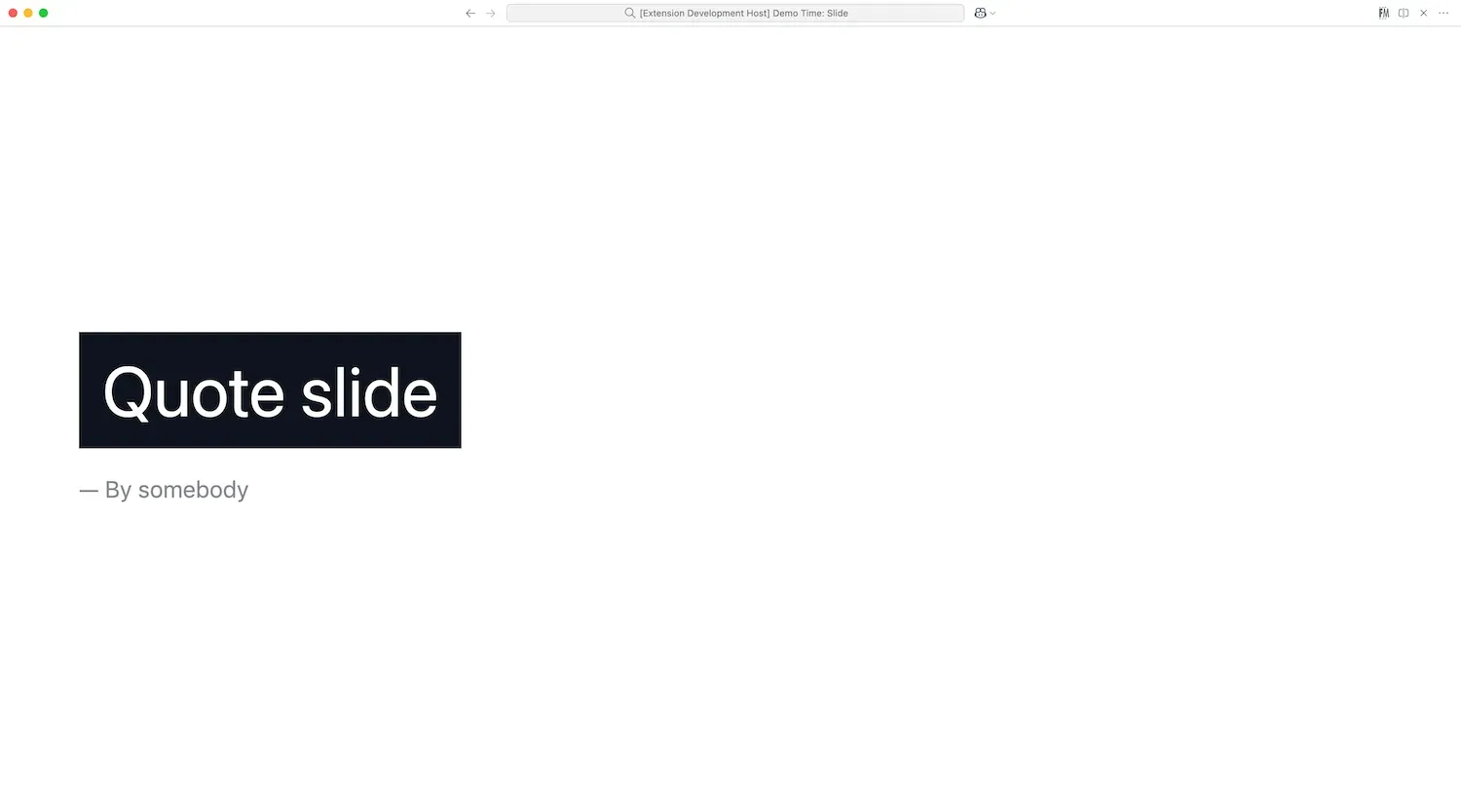
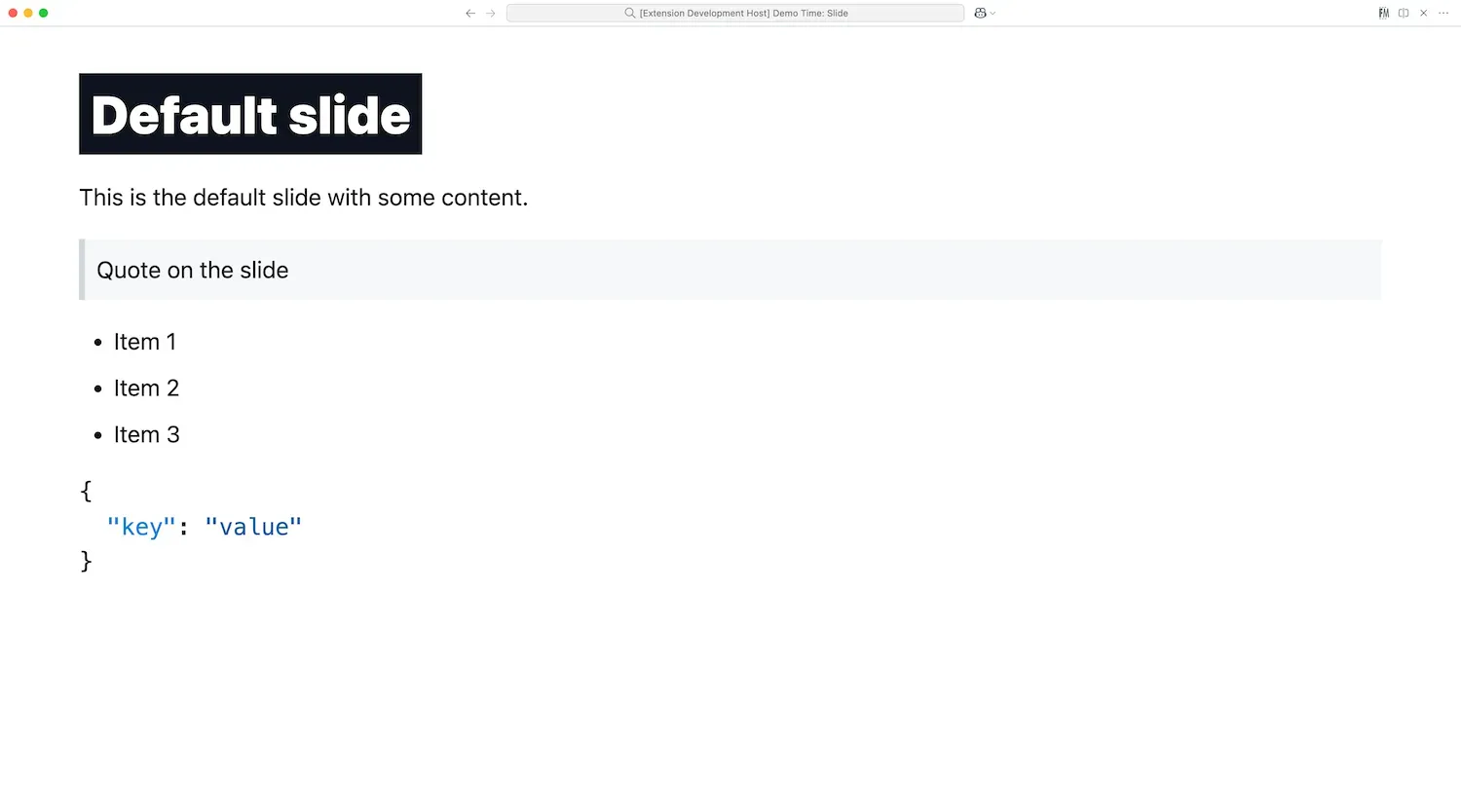
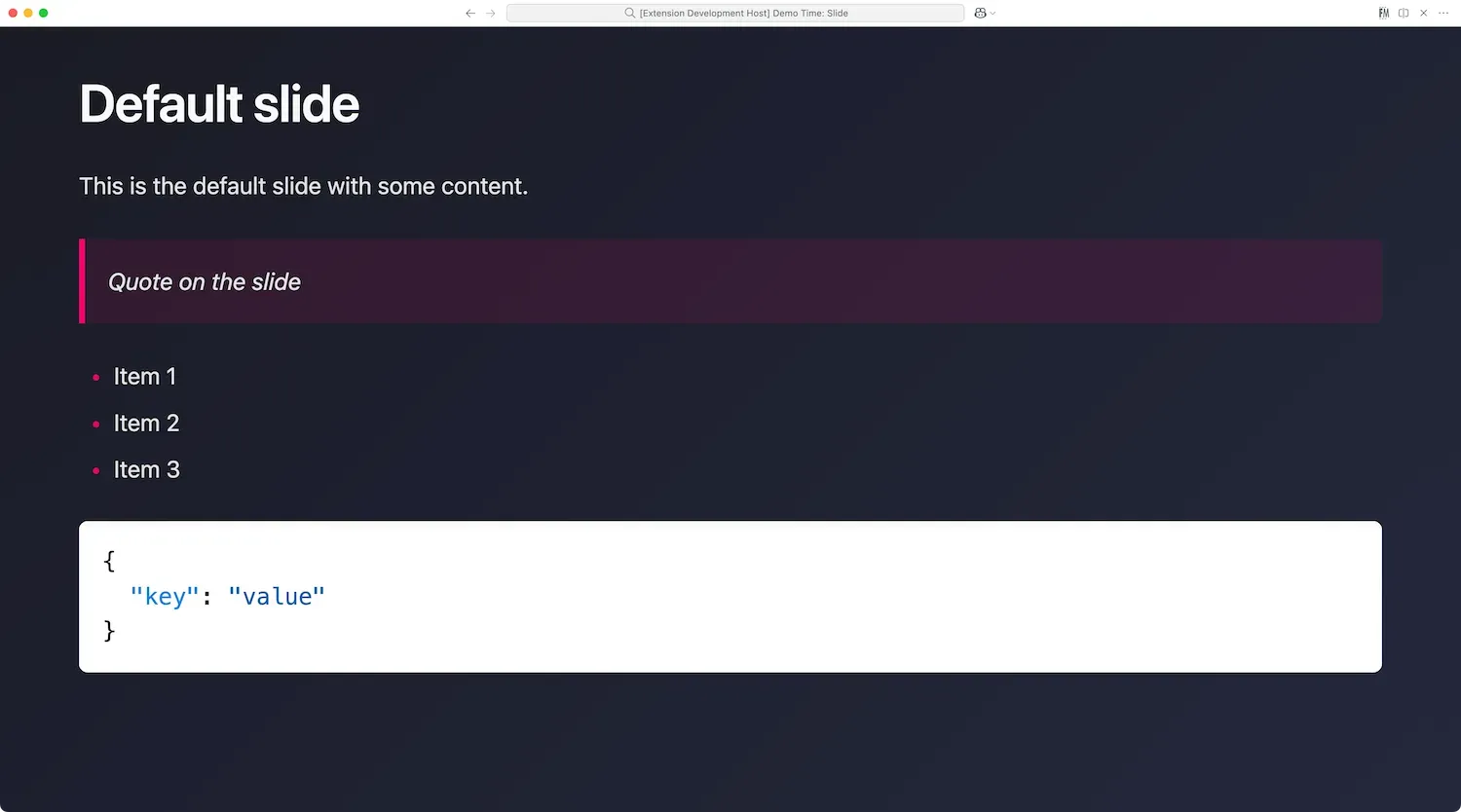
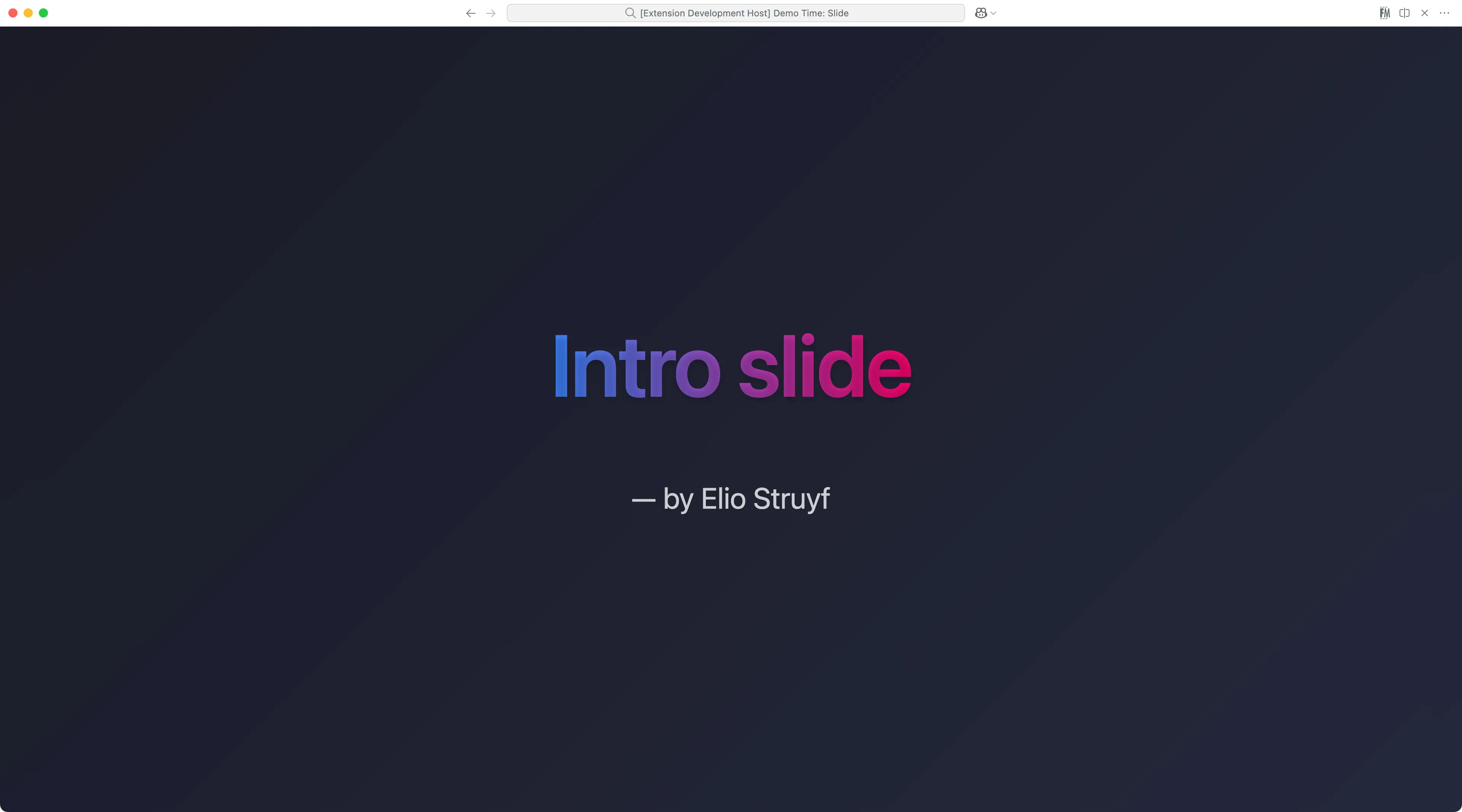
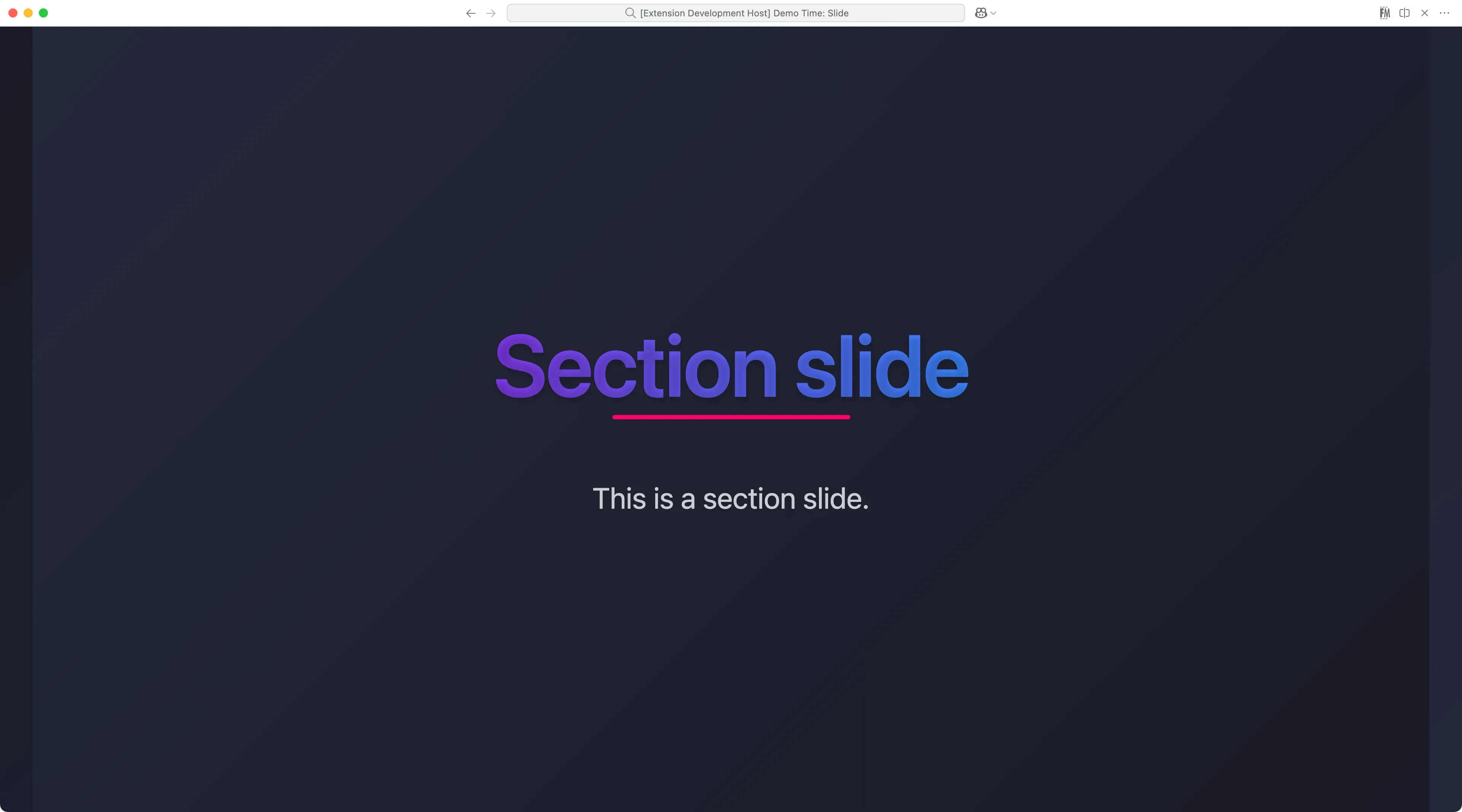
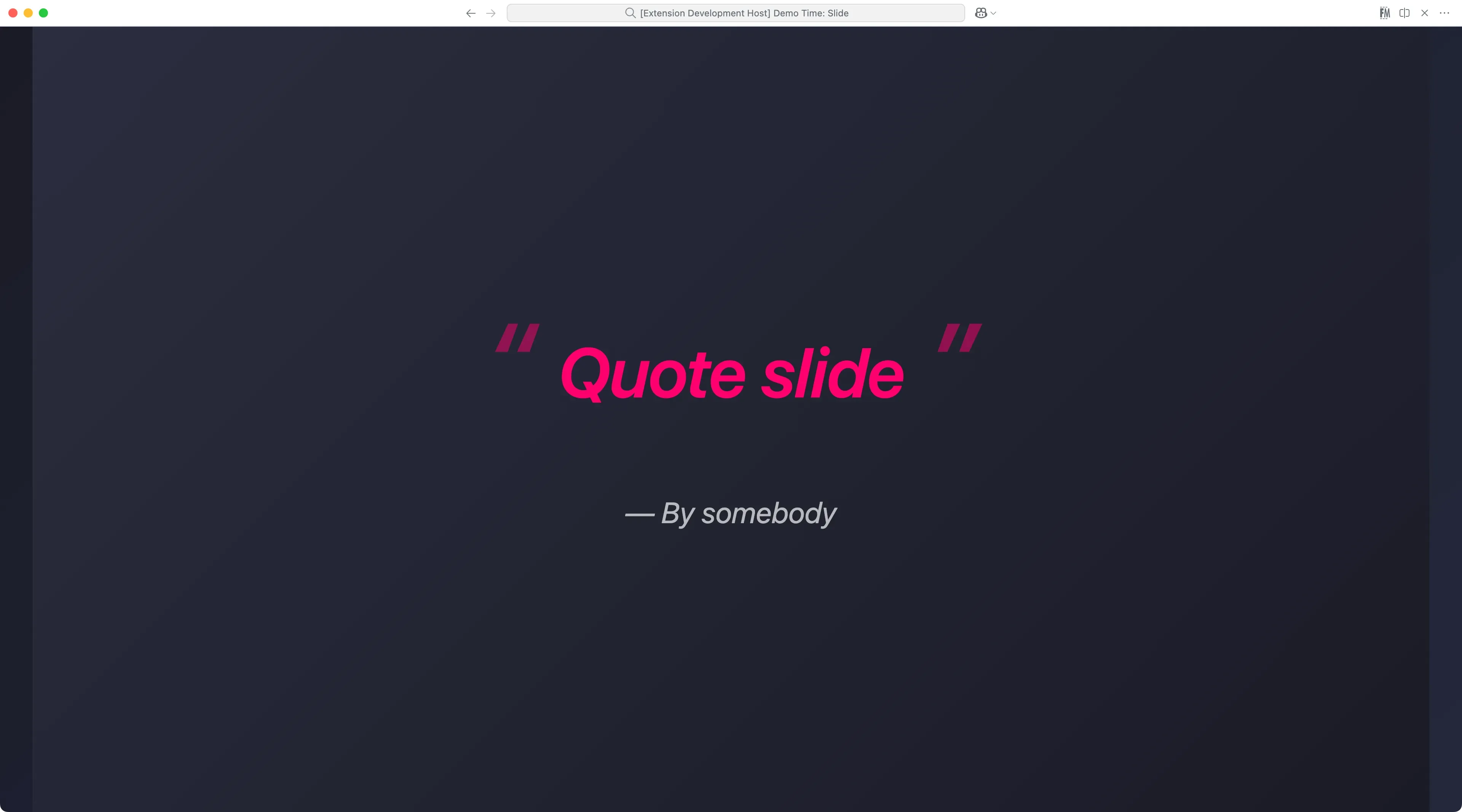
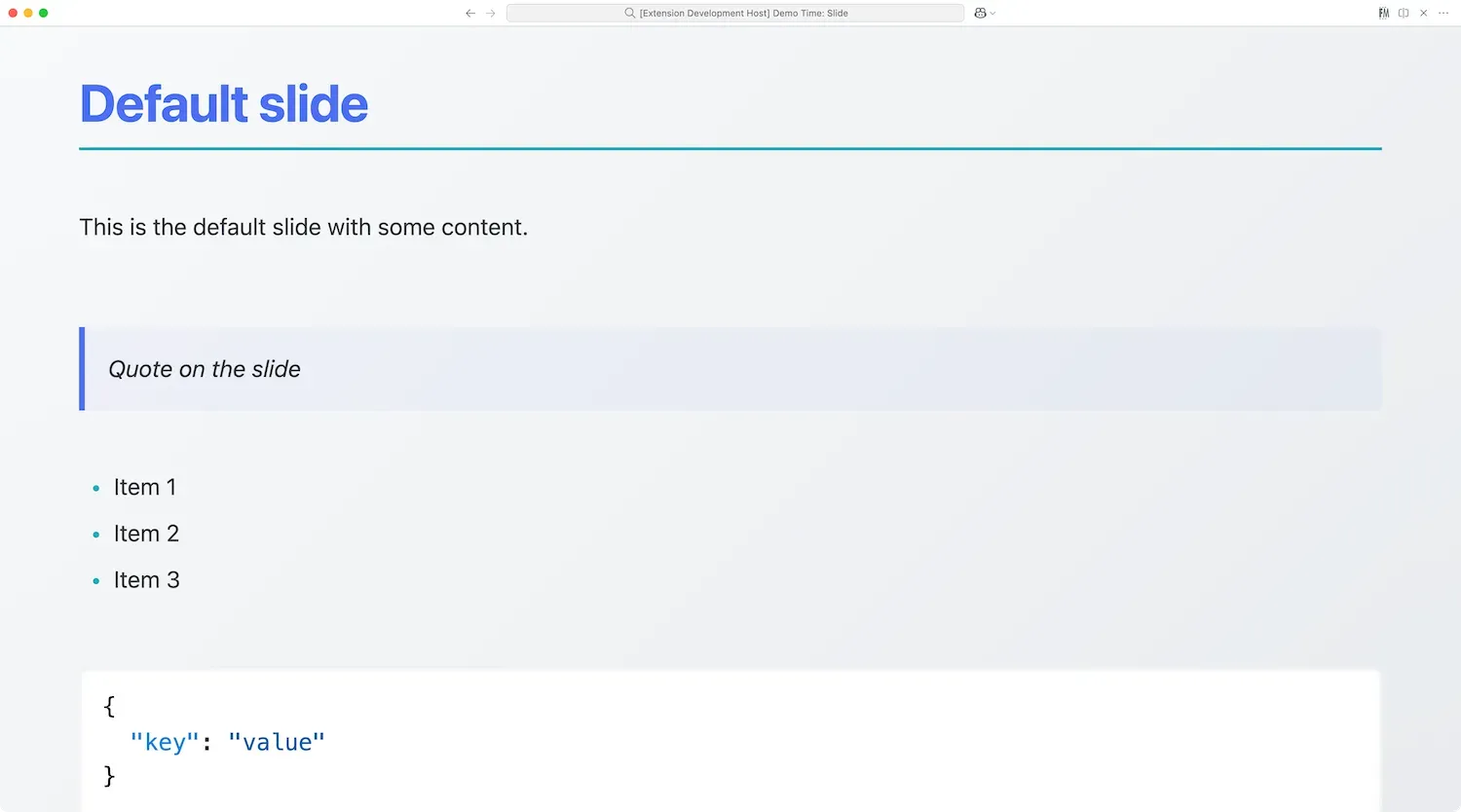
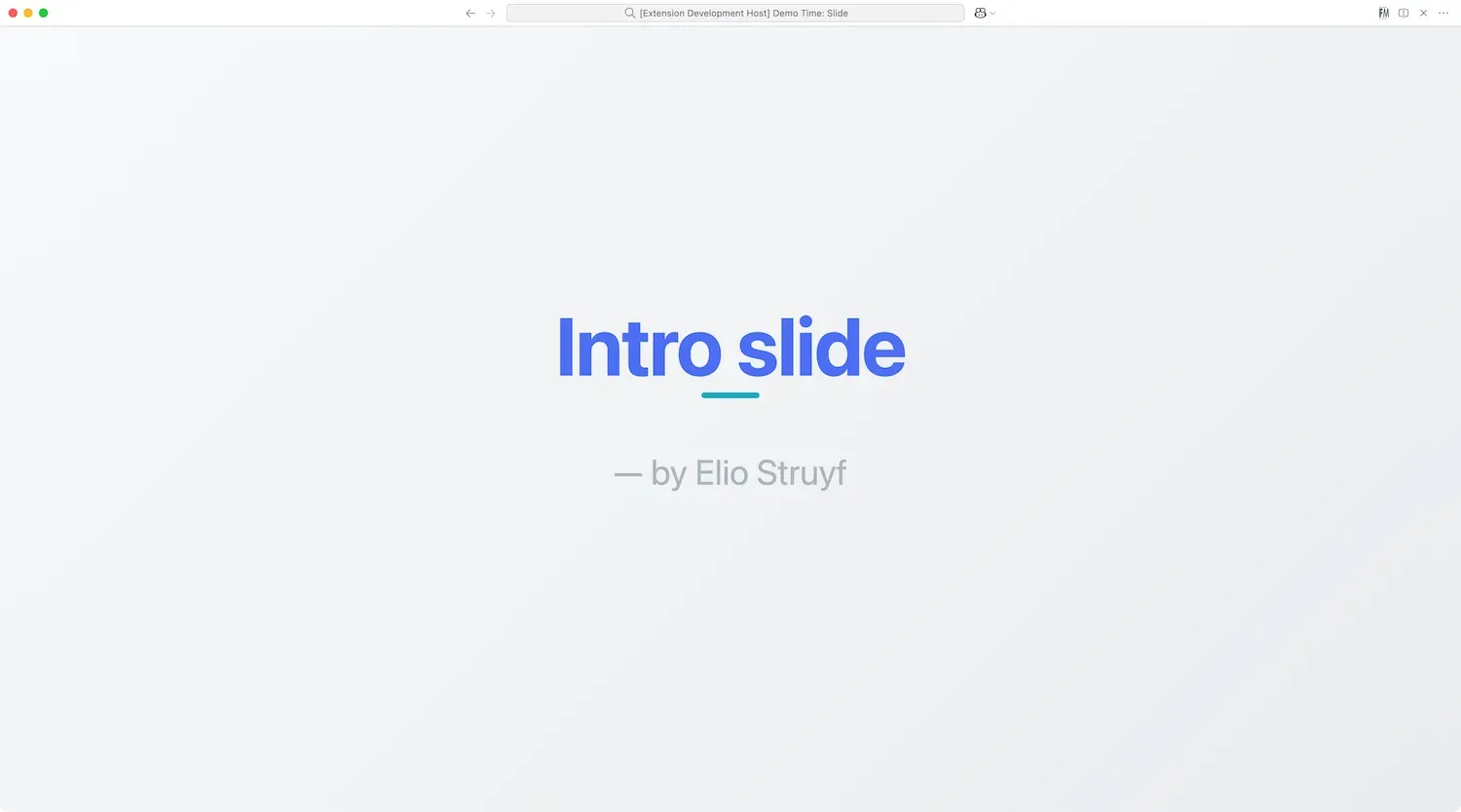
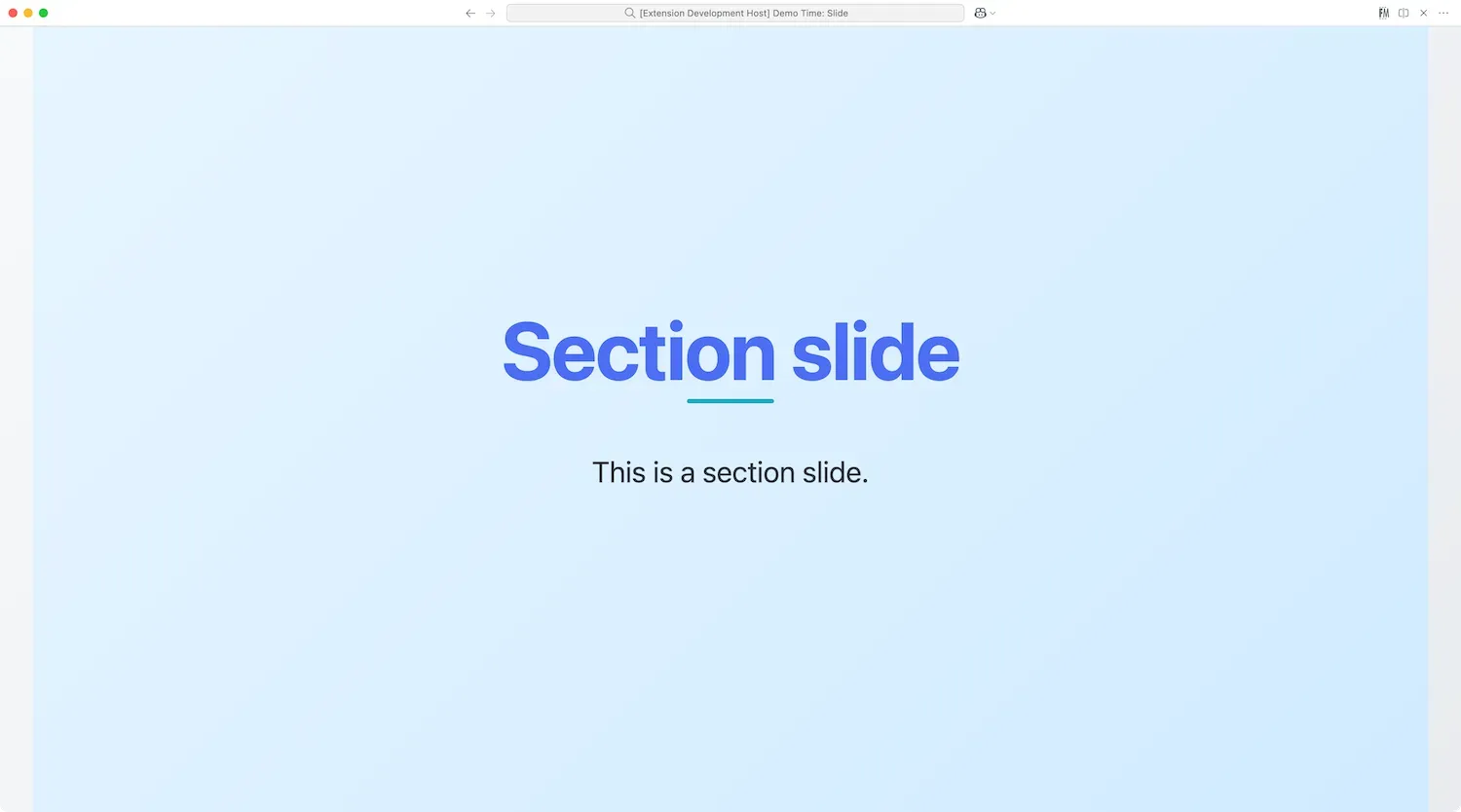
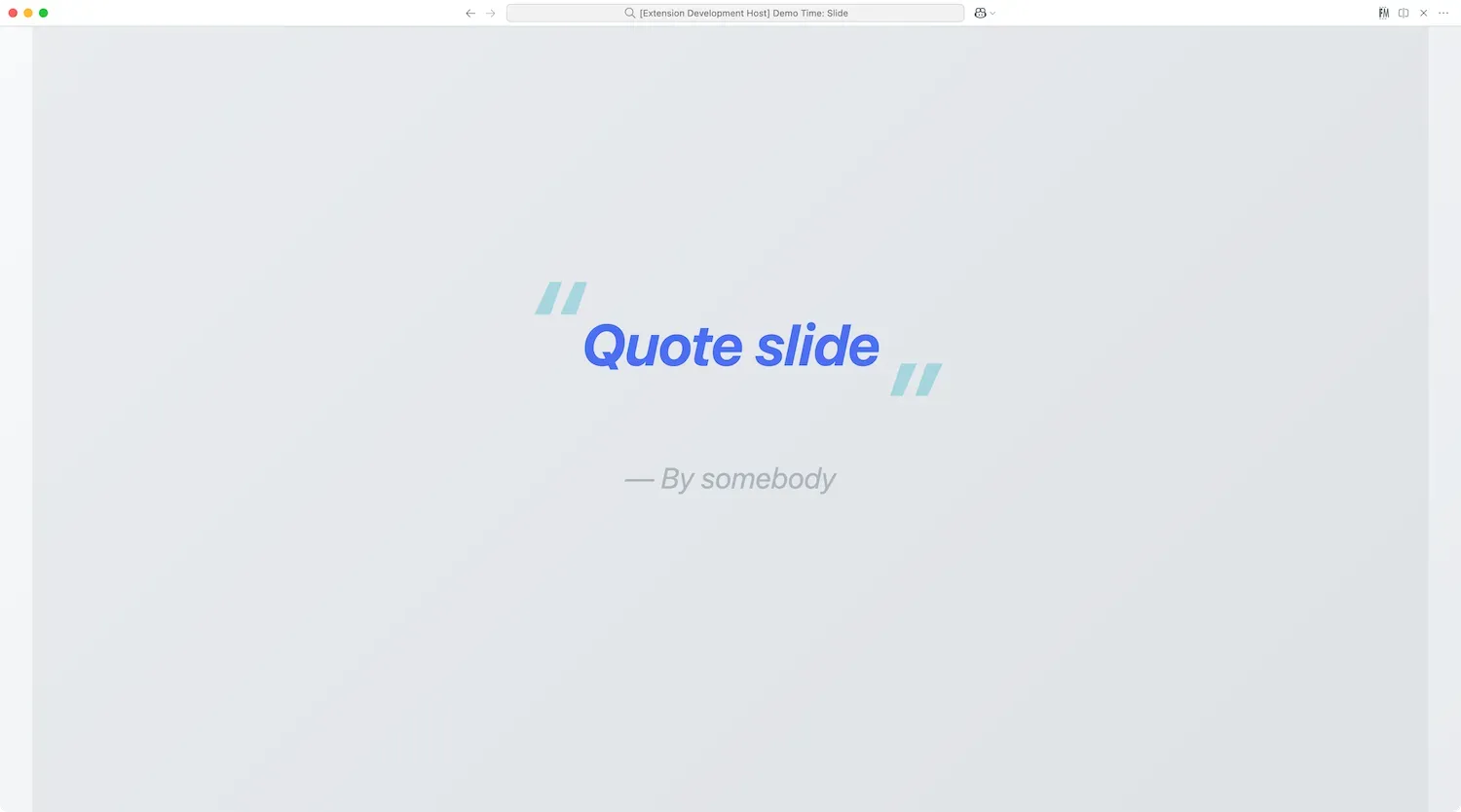
Default
Theme name: default
The default theme is a clean and simple theme that can be used for most slides.
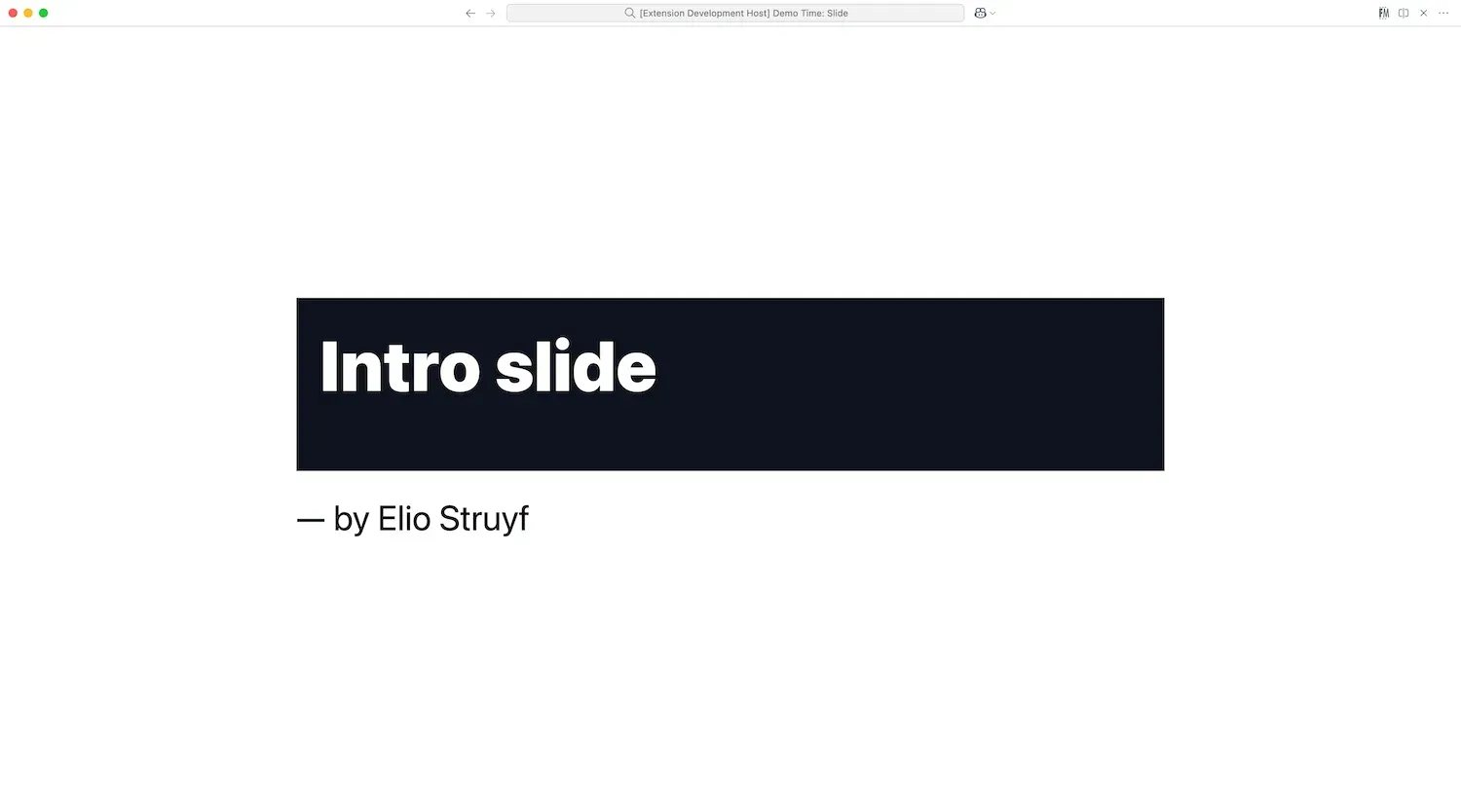
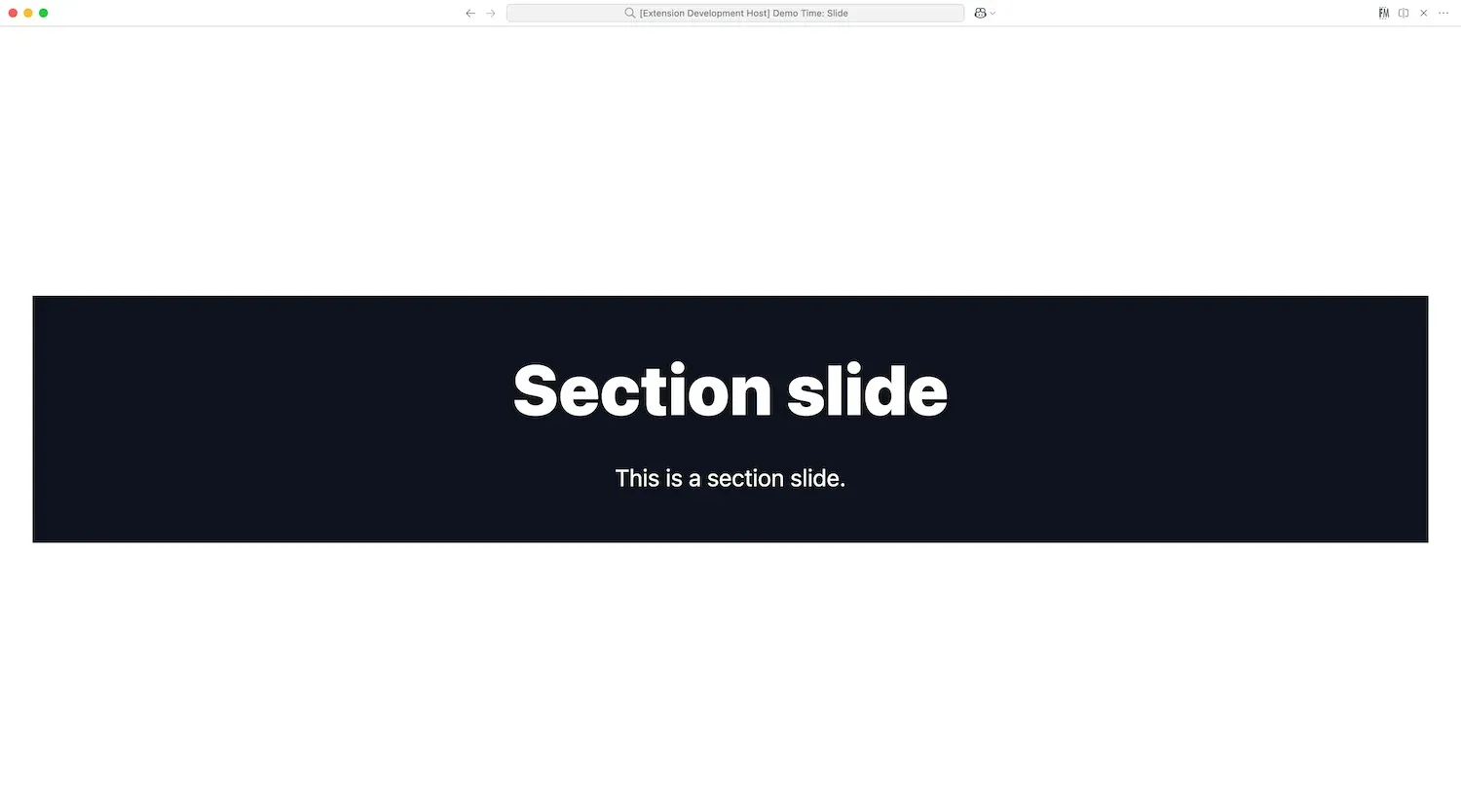
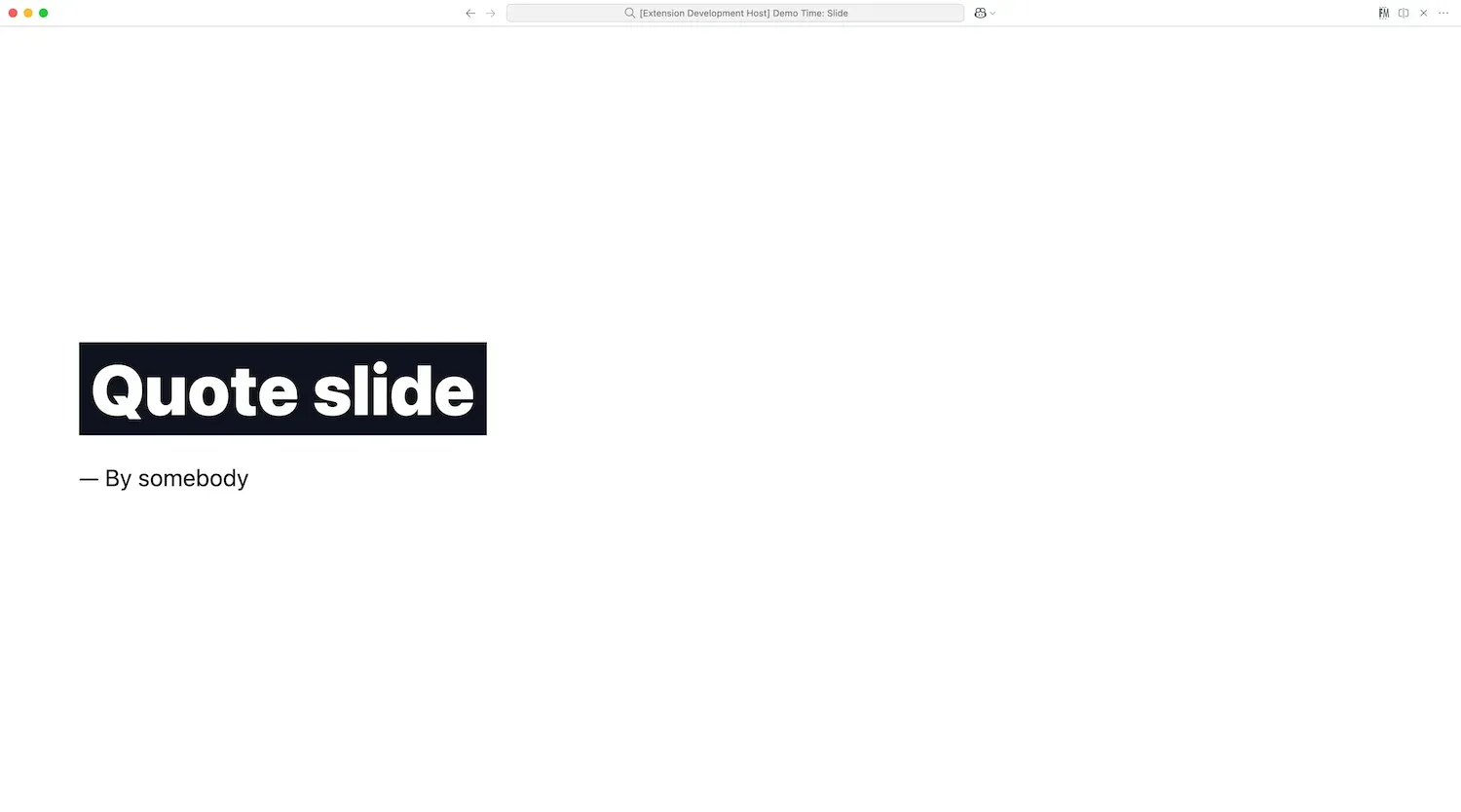
Minimal
Theme name: minimal
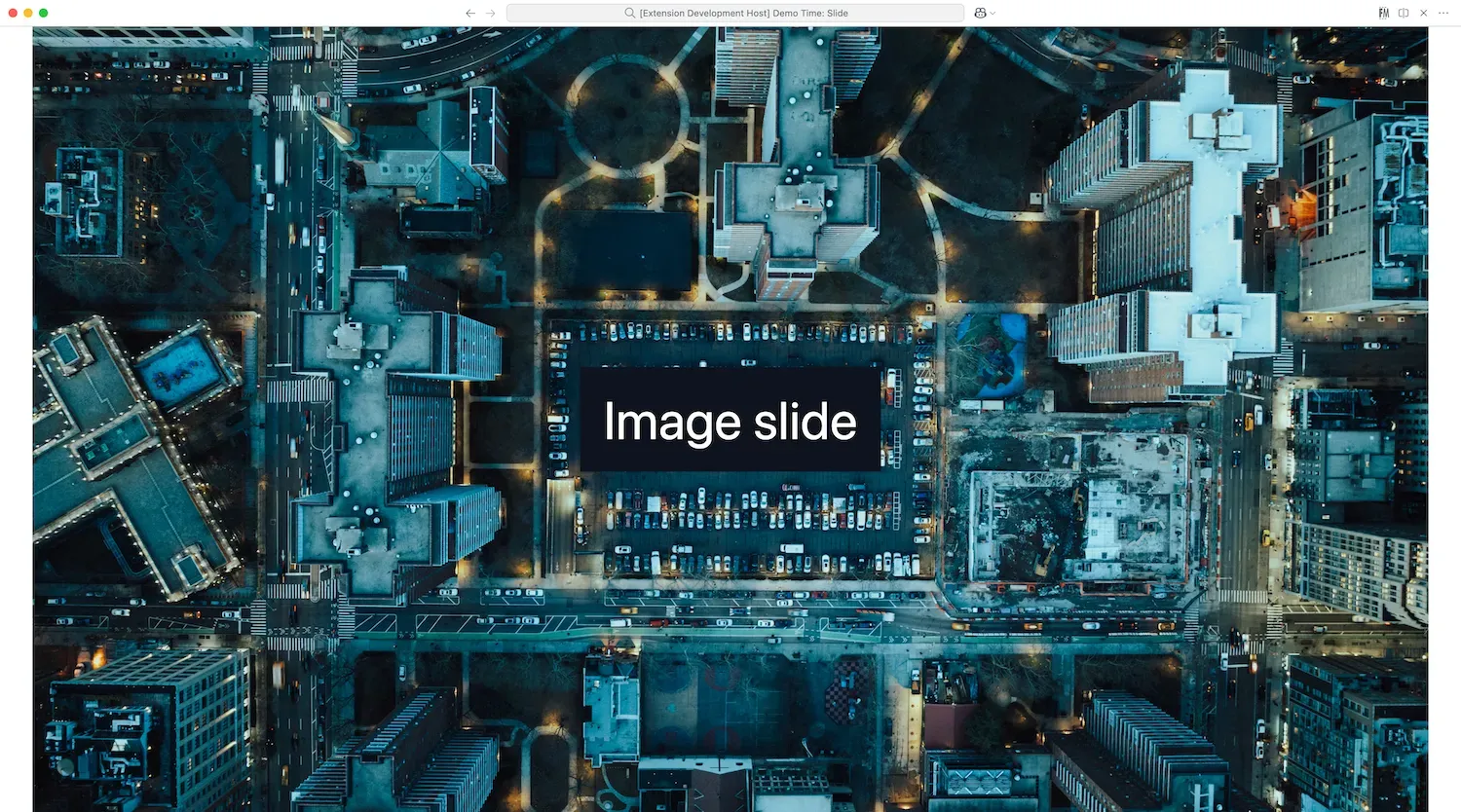
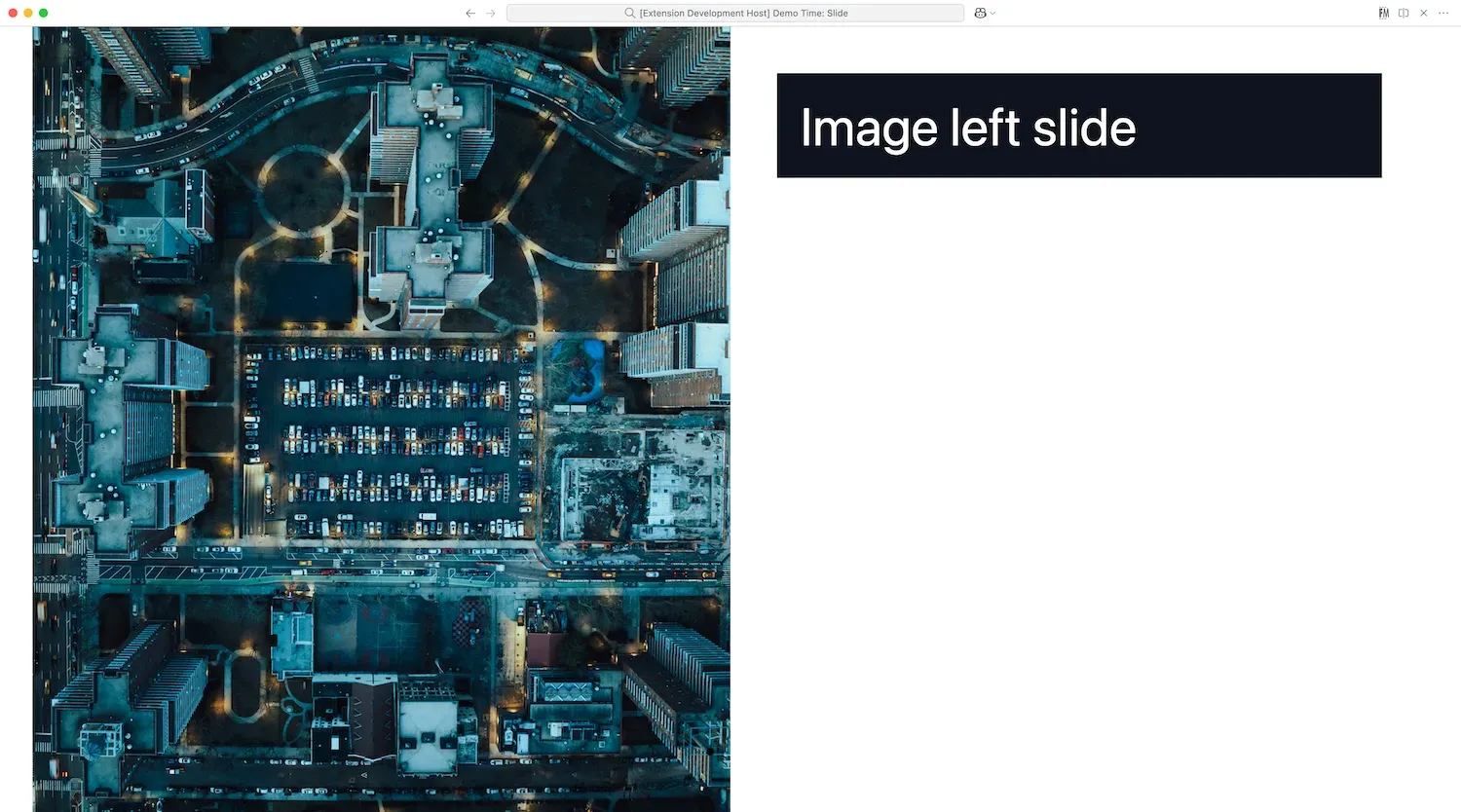
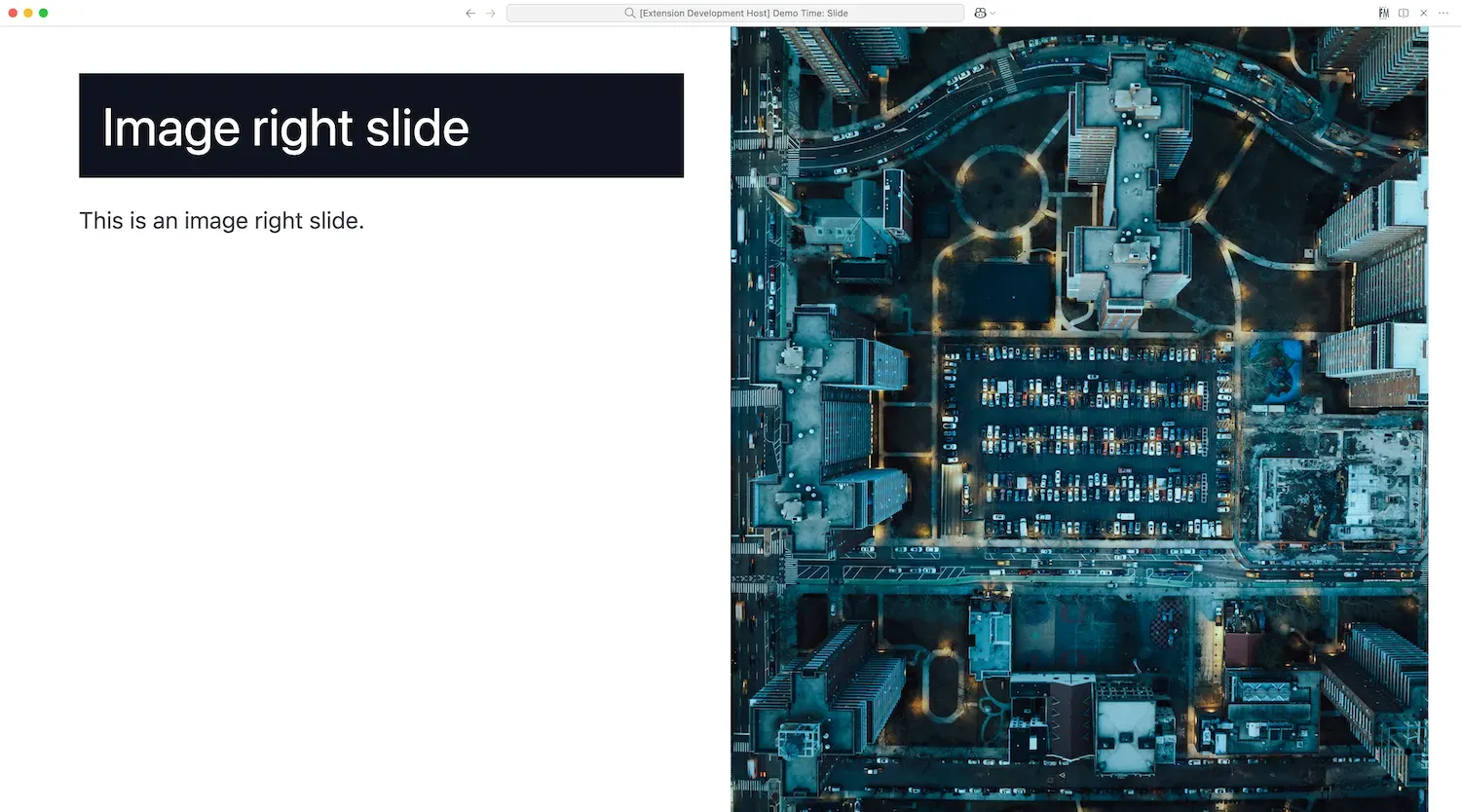
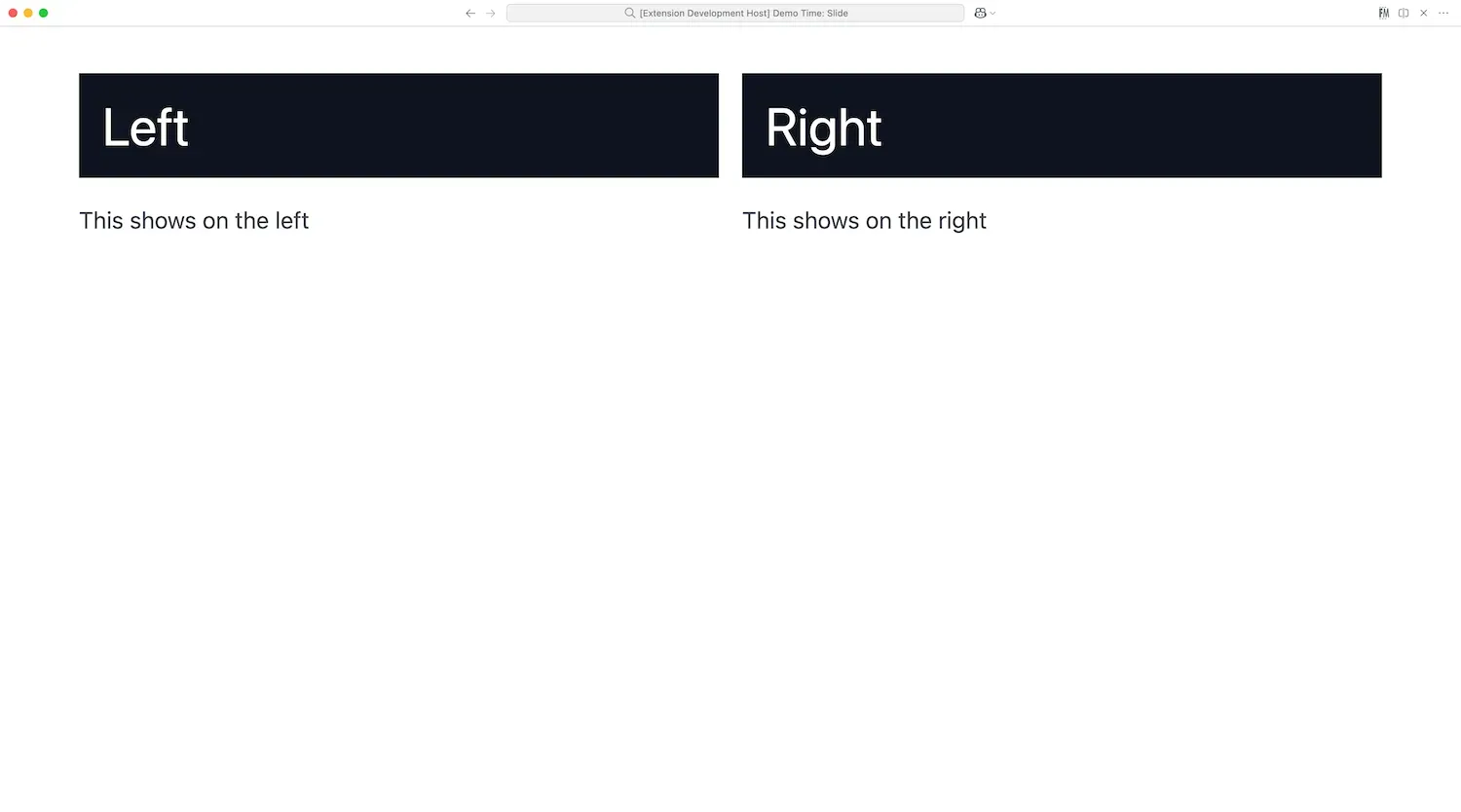
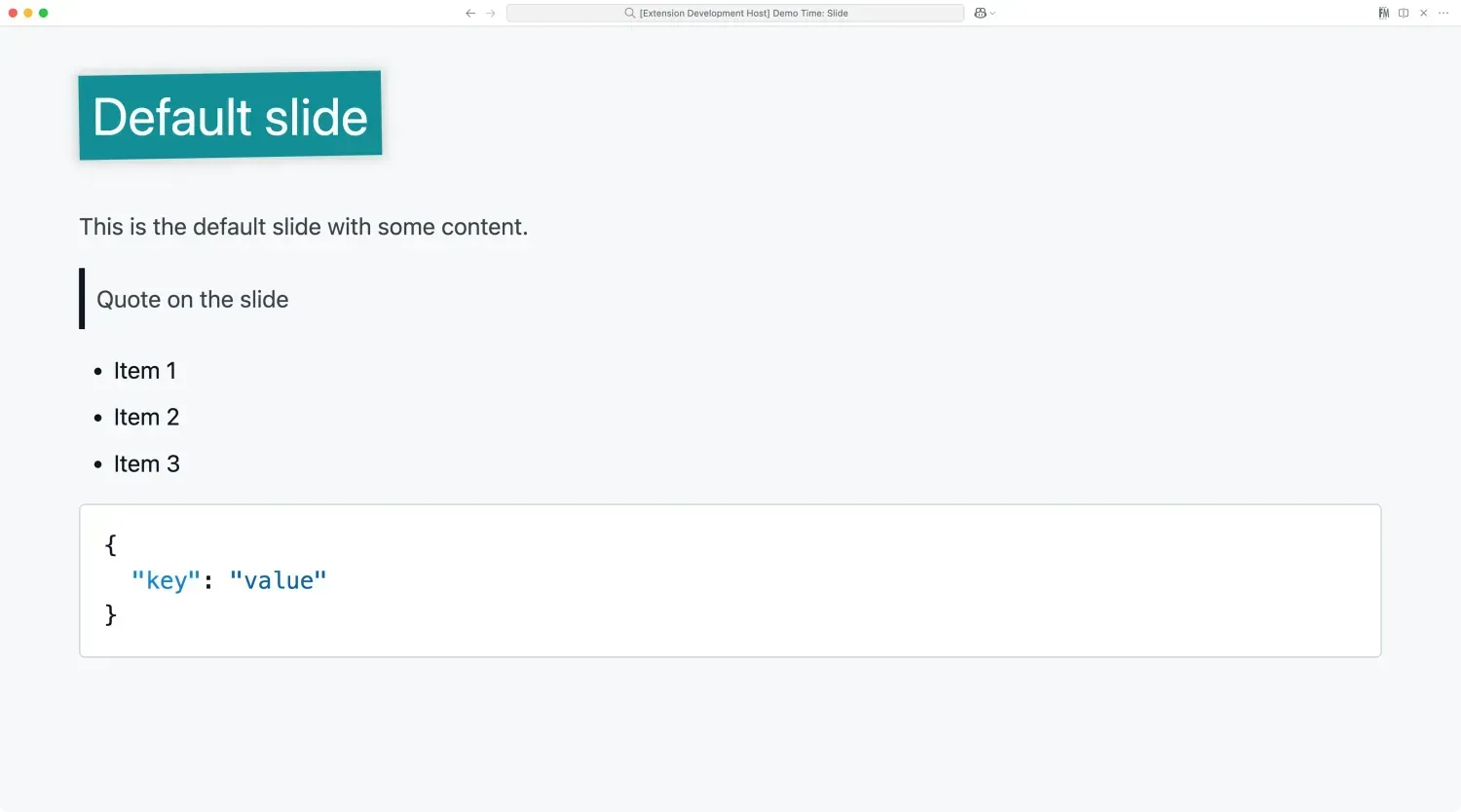
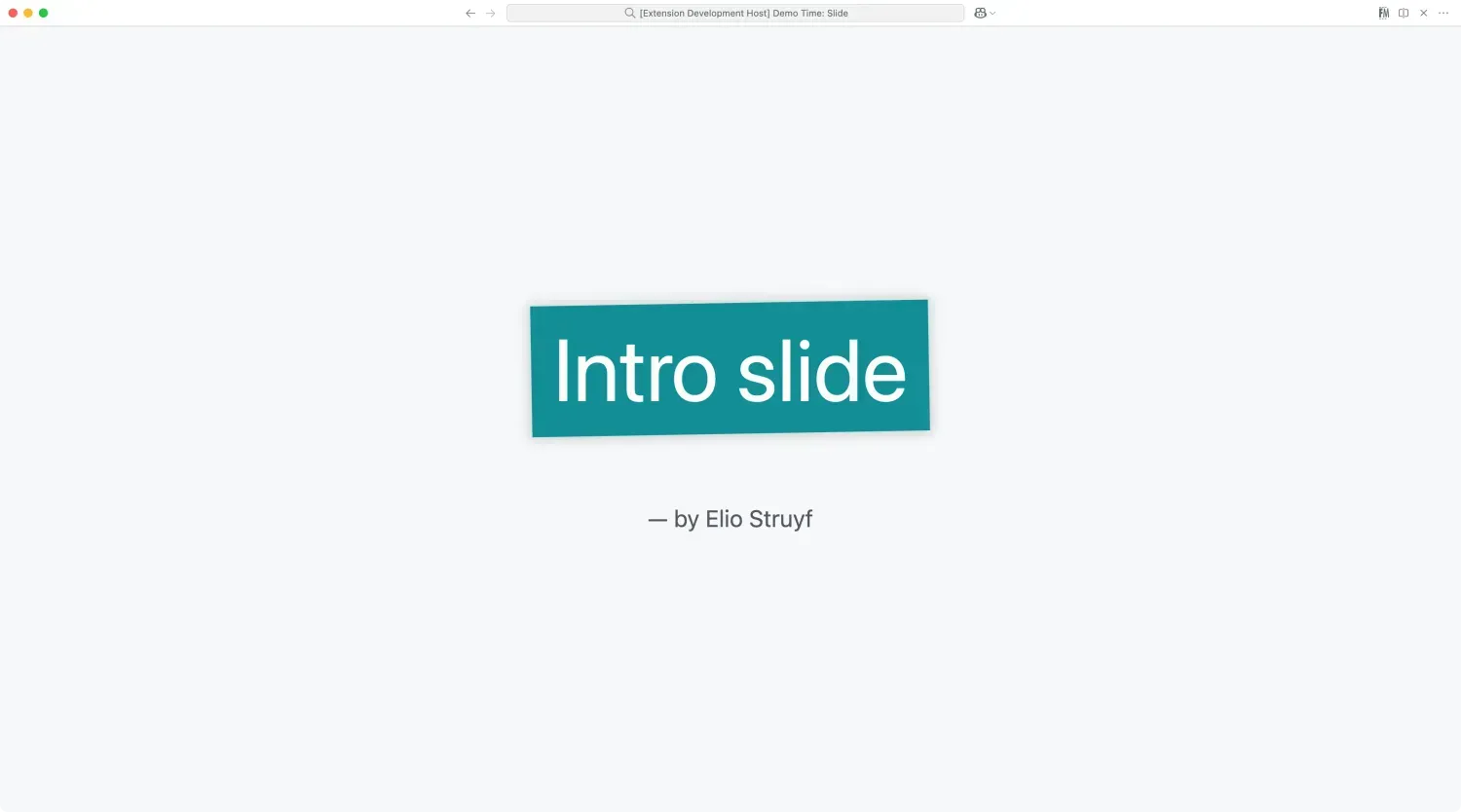
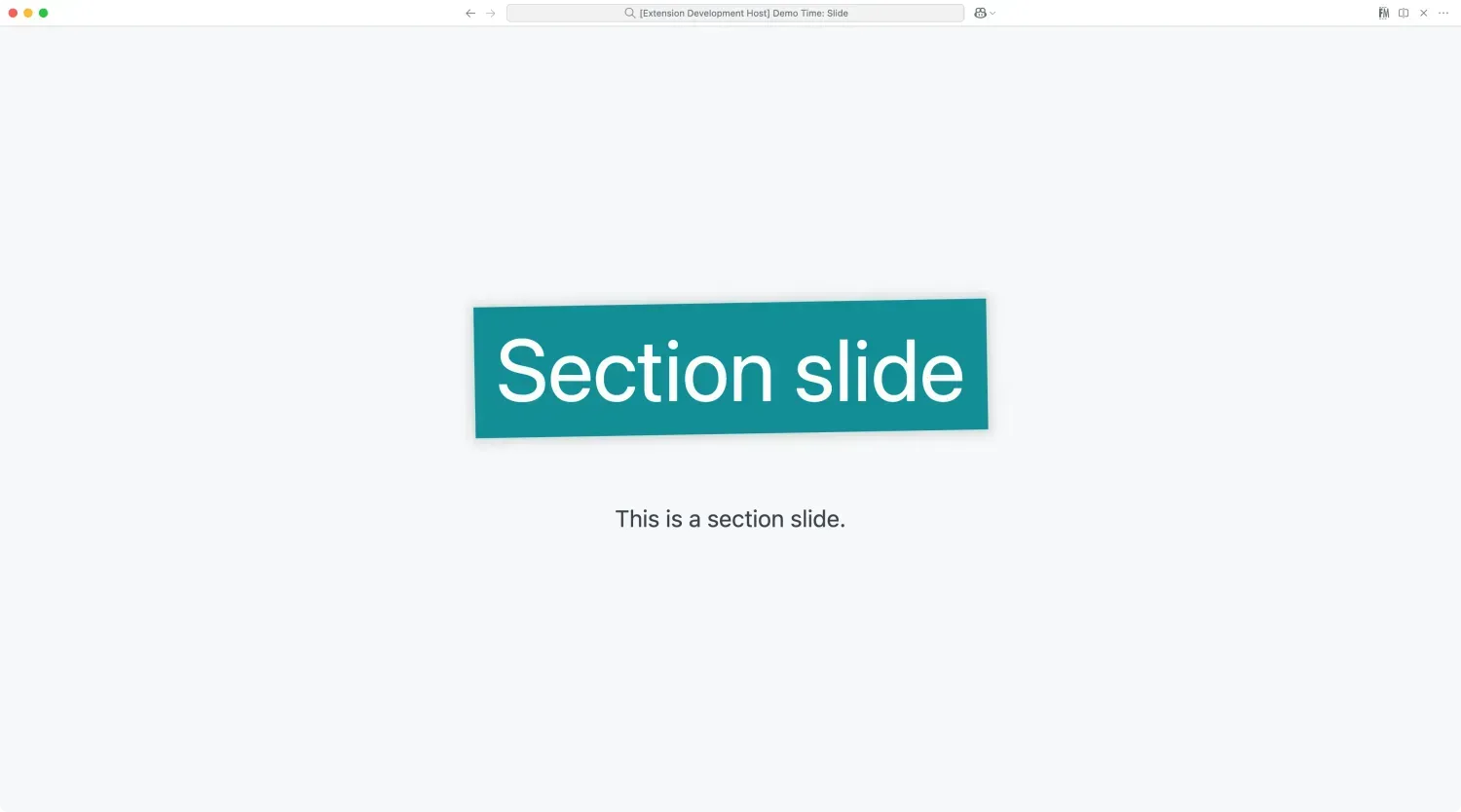
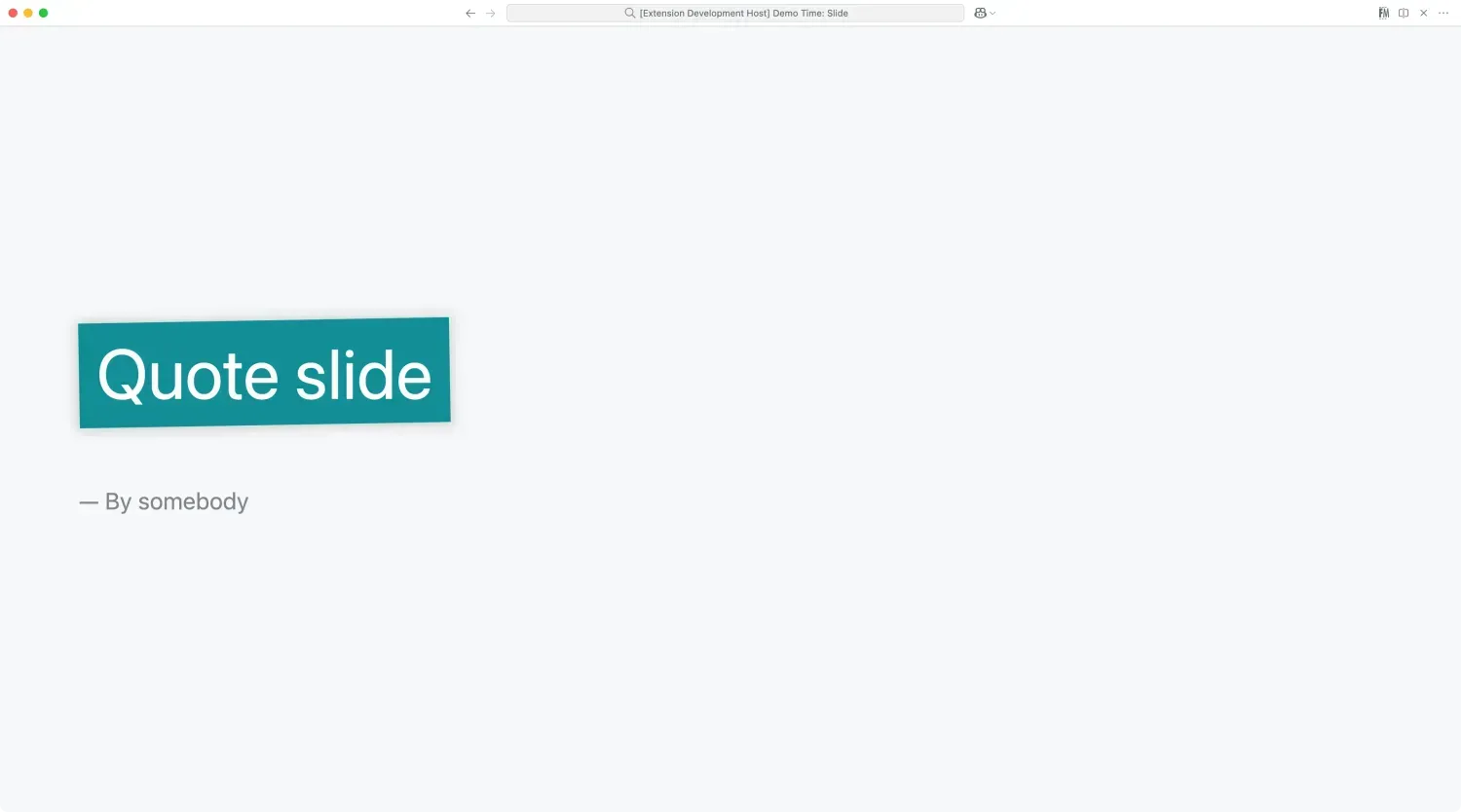
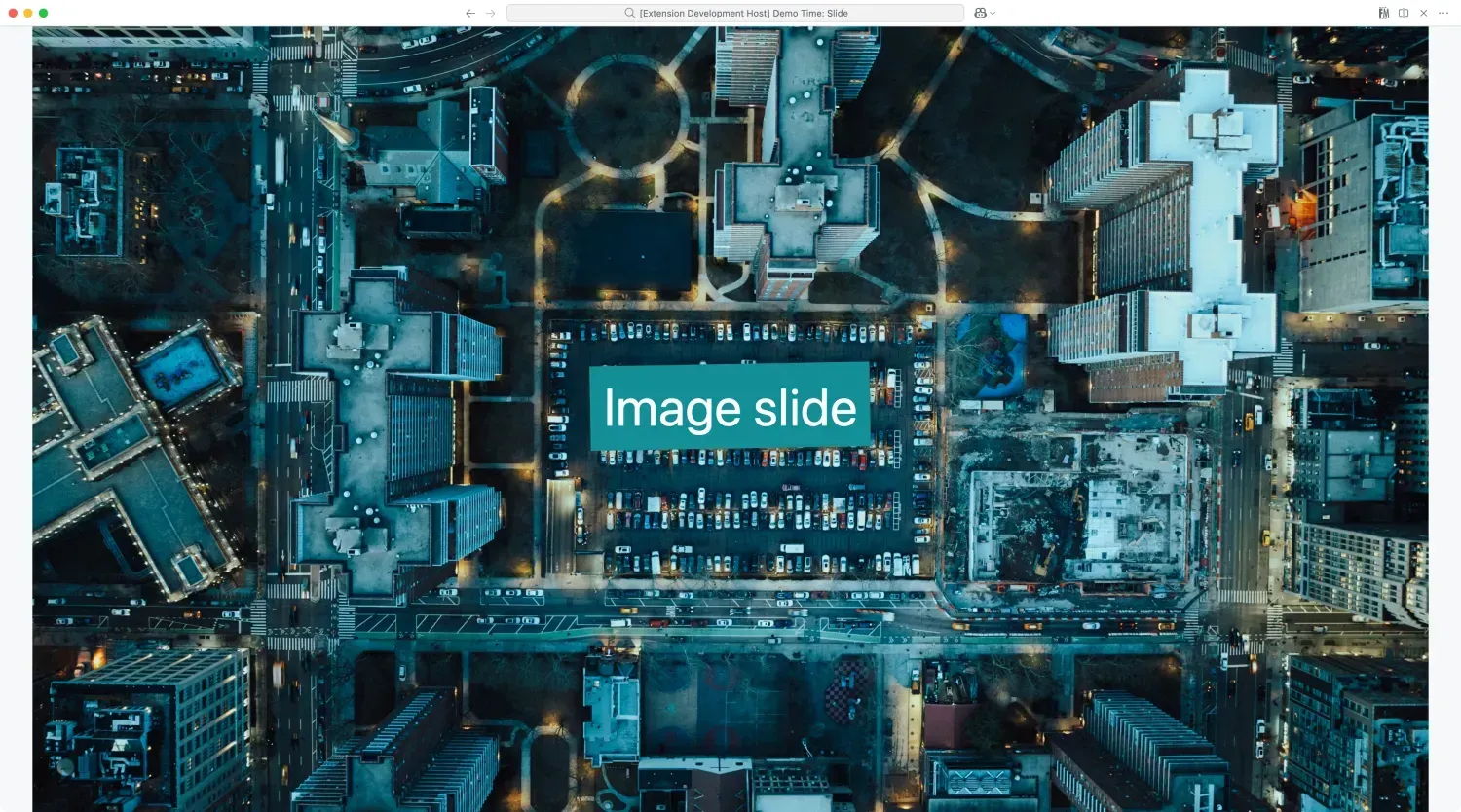
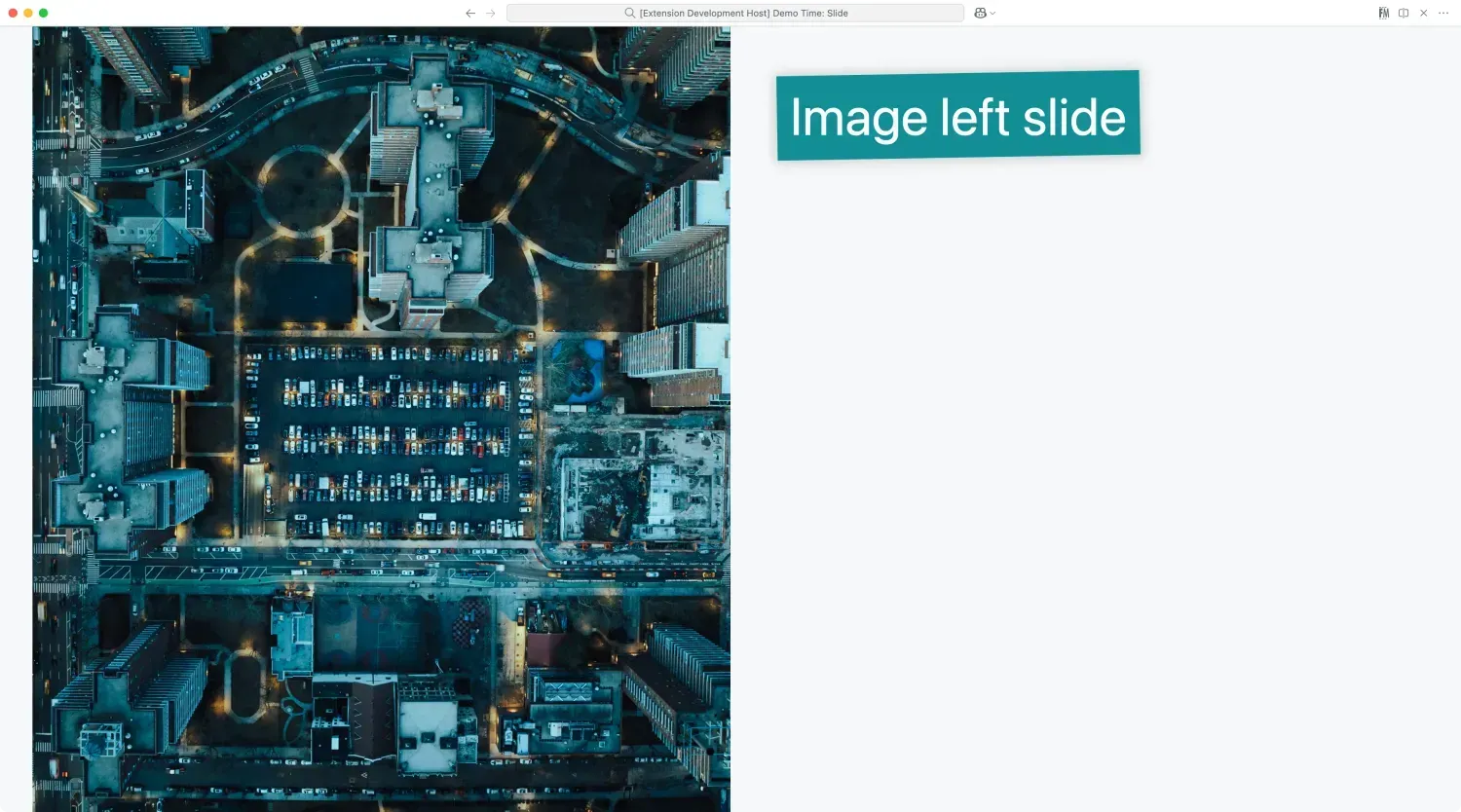
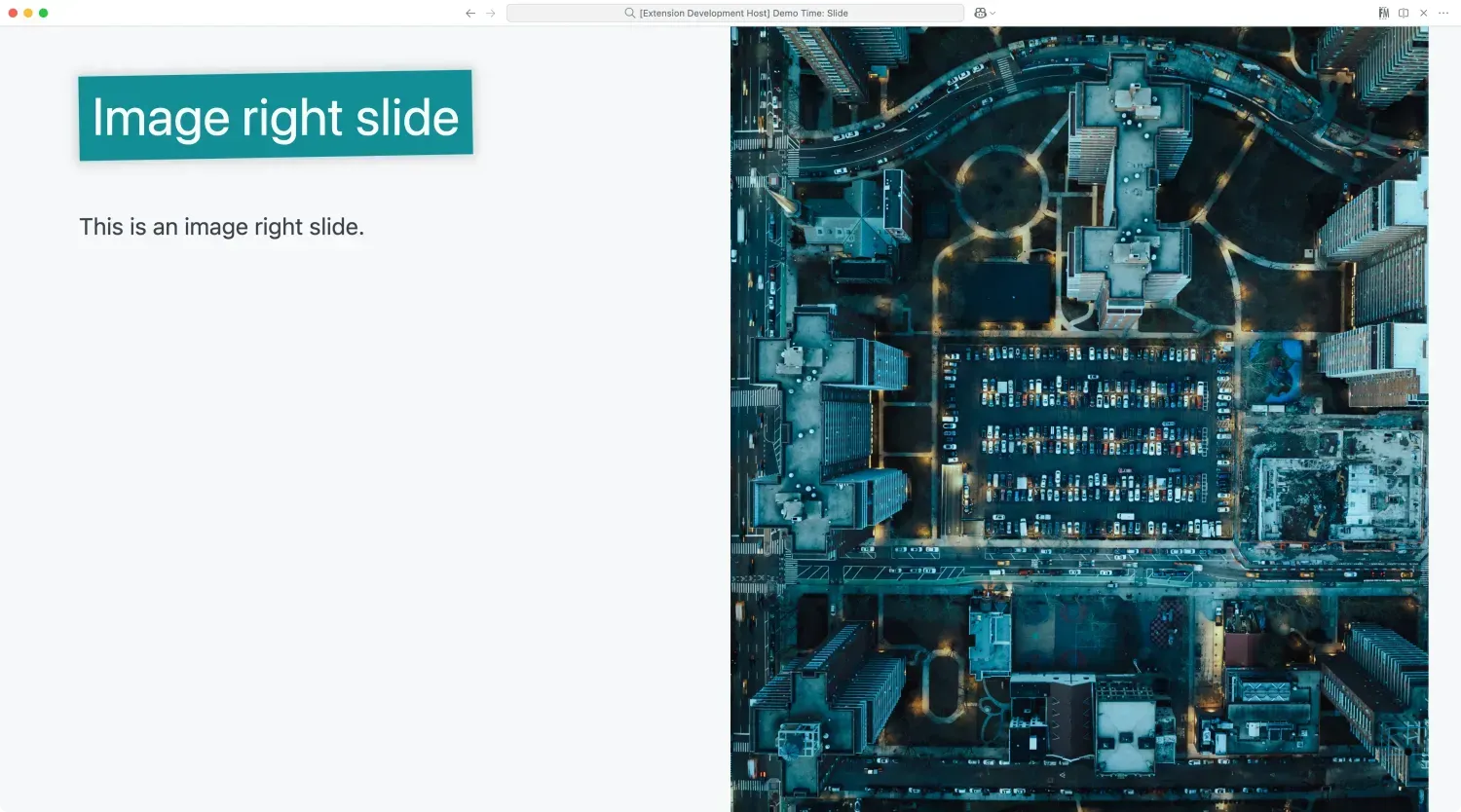
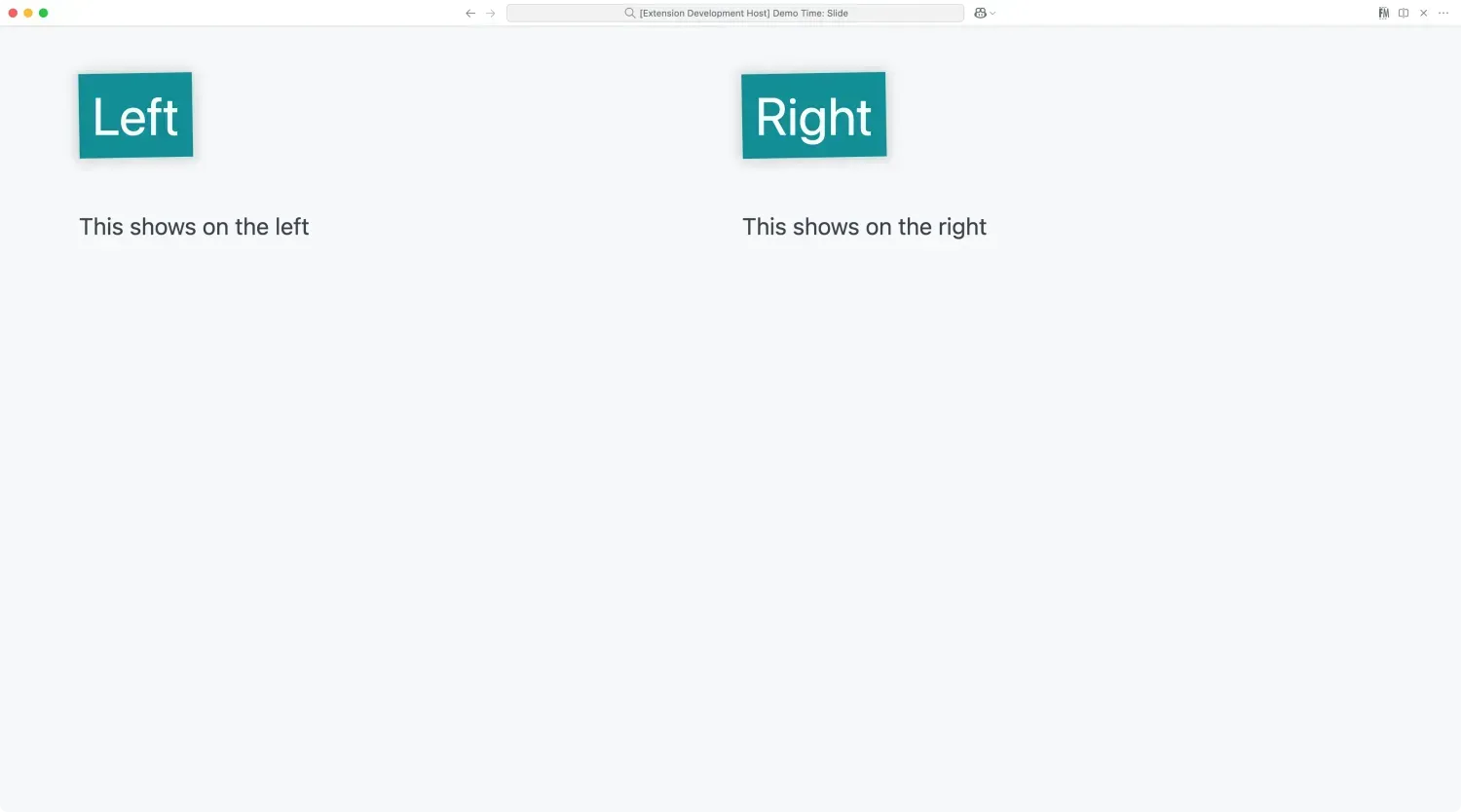
The minimal theme is a simple theme with a background on the slide title.
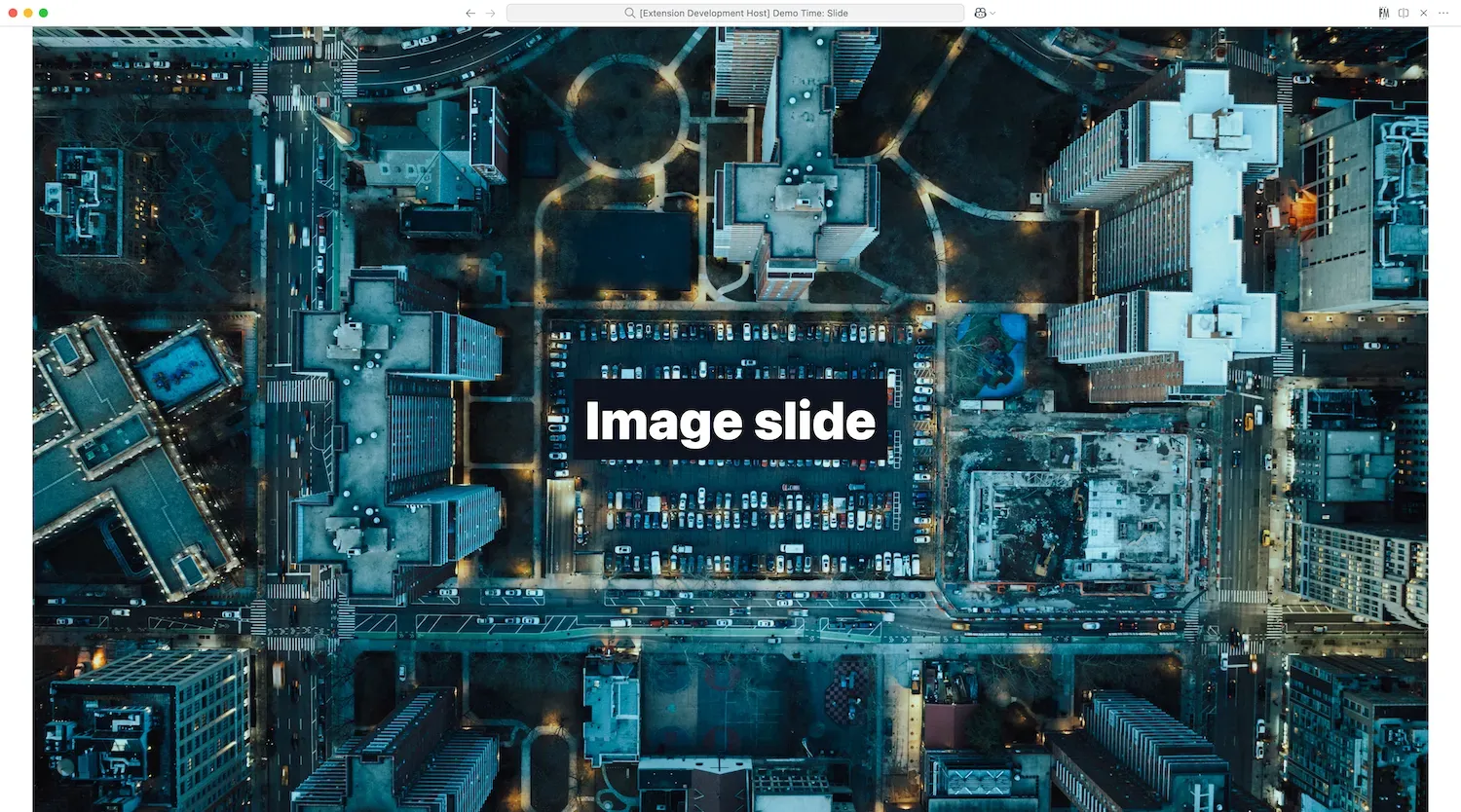
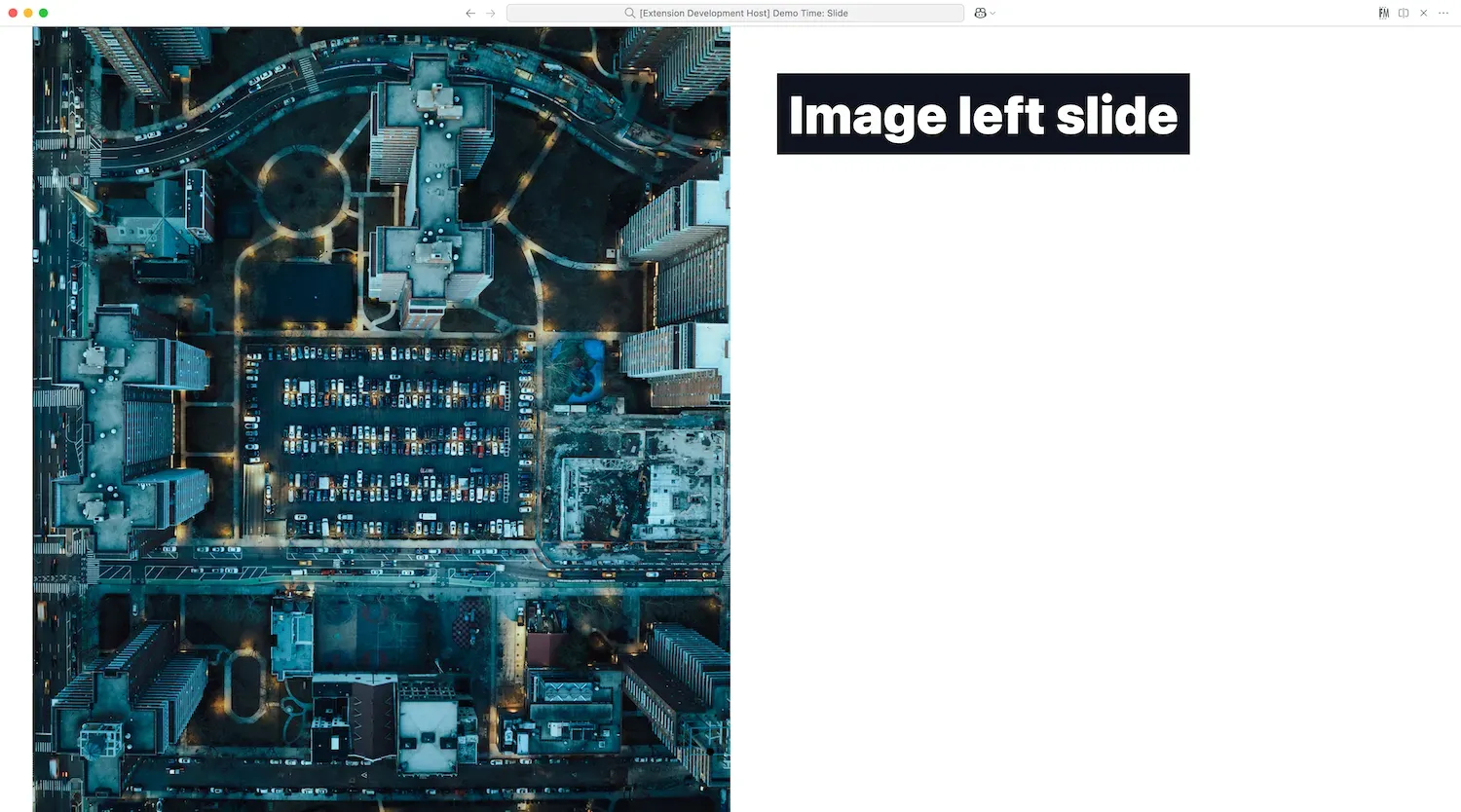
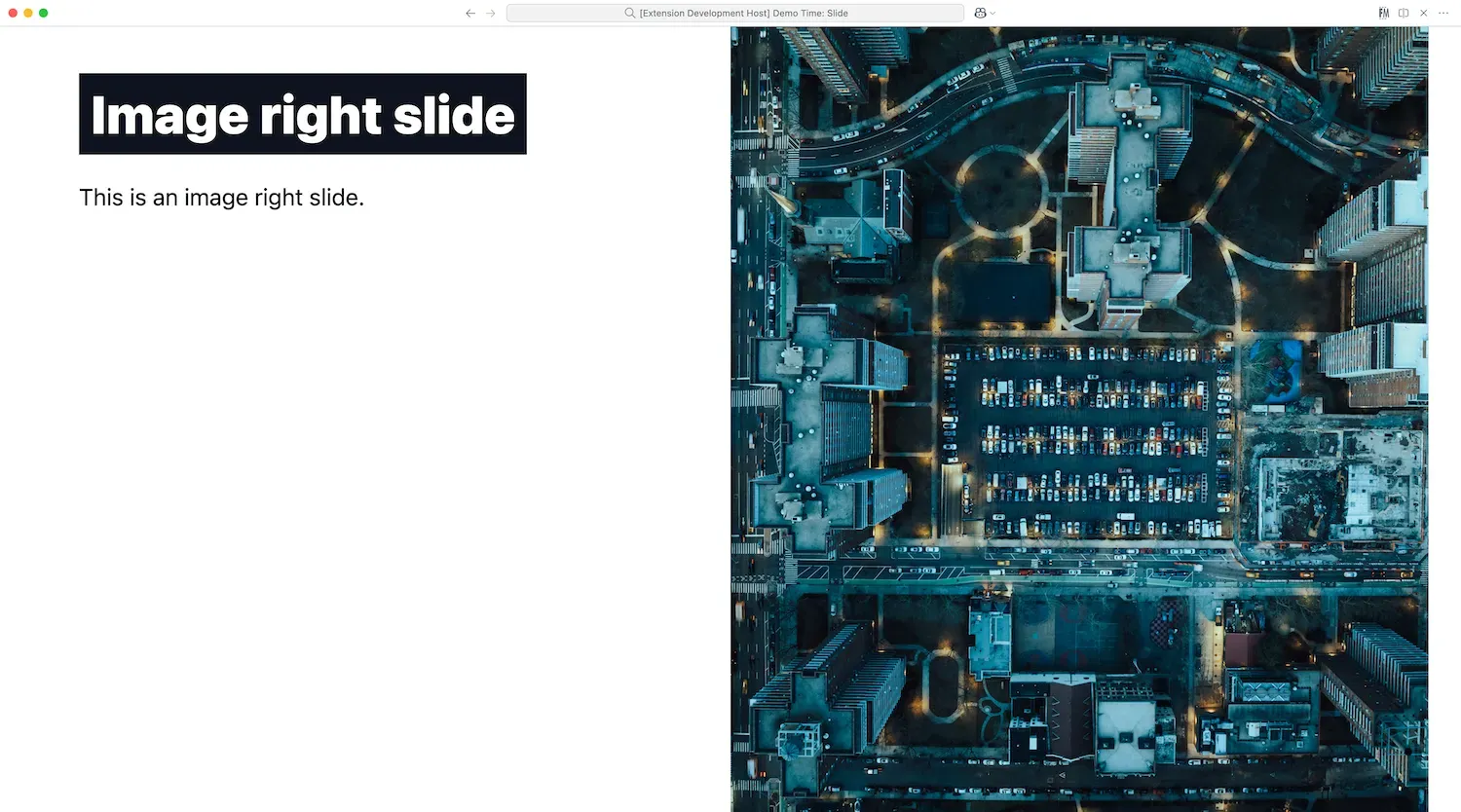
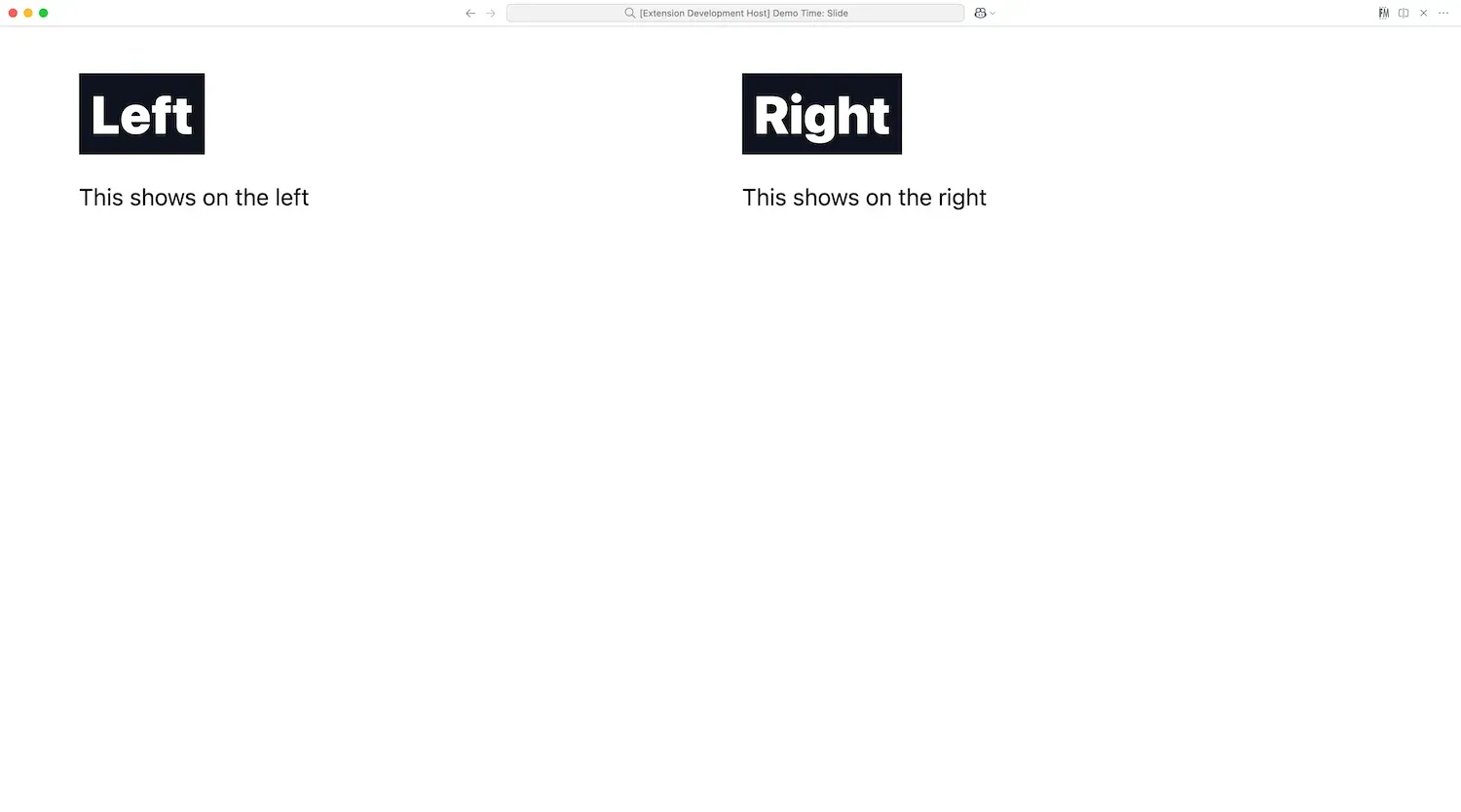
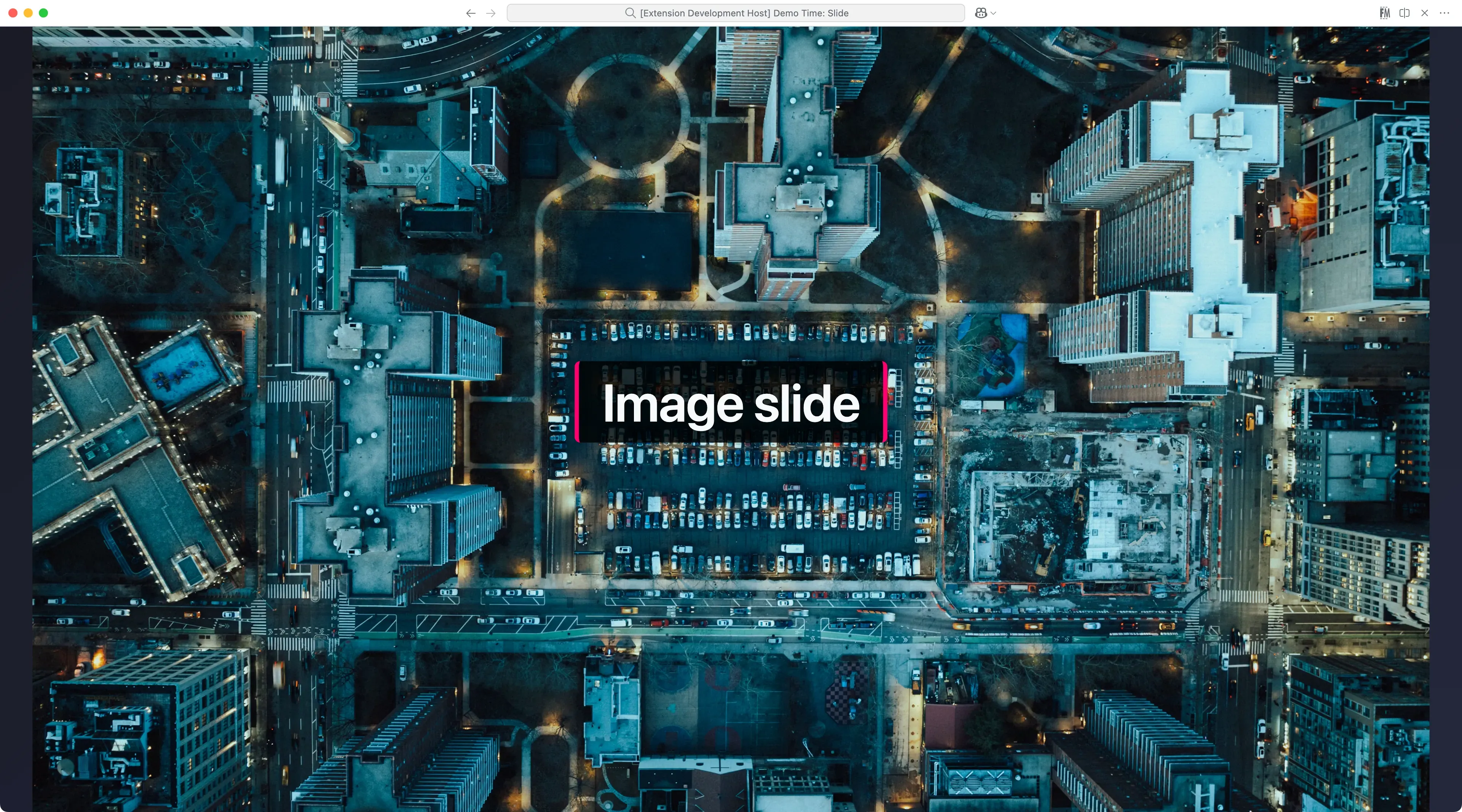
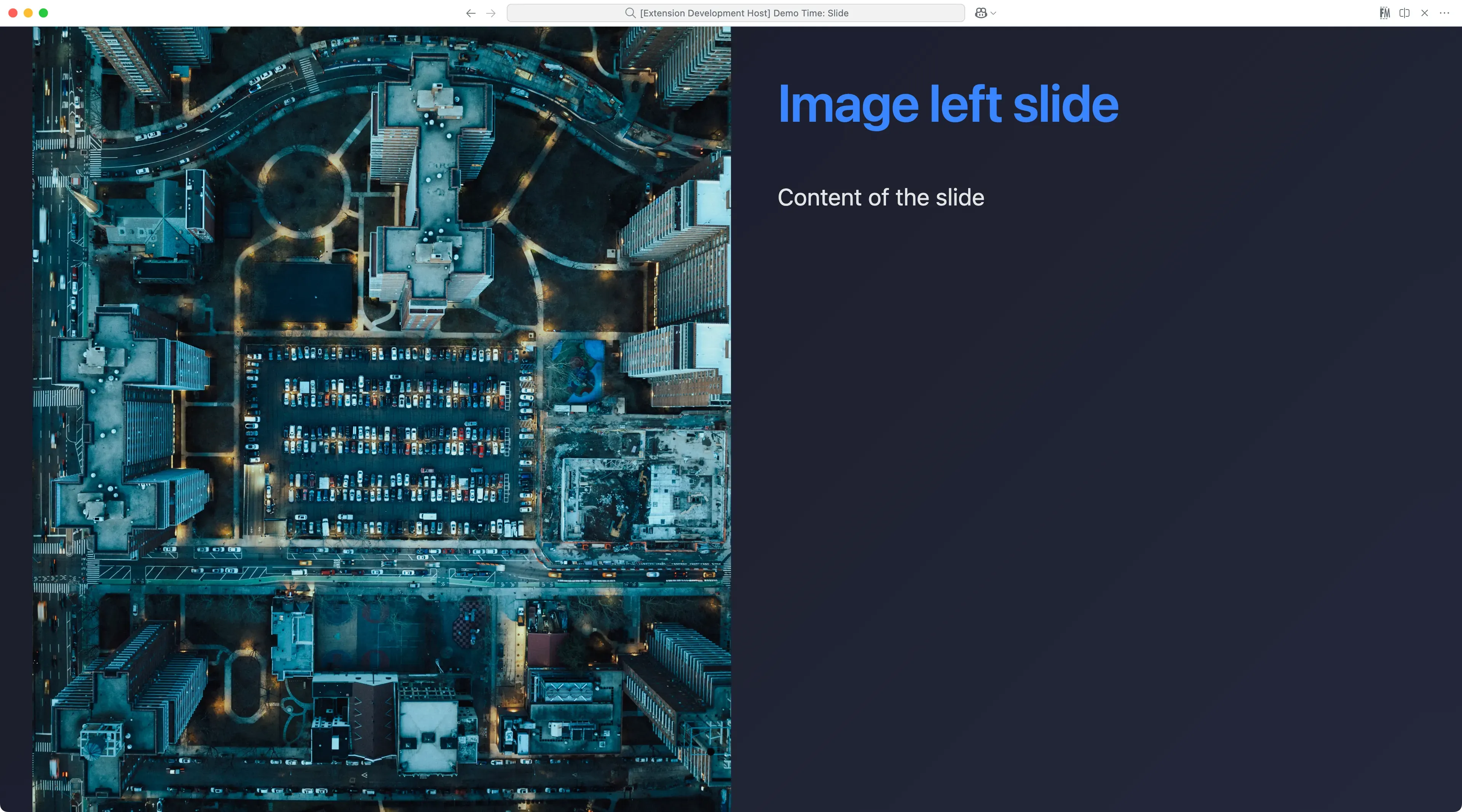
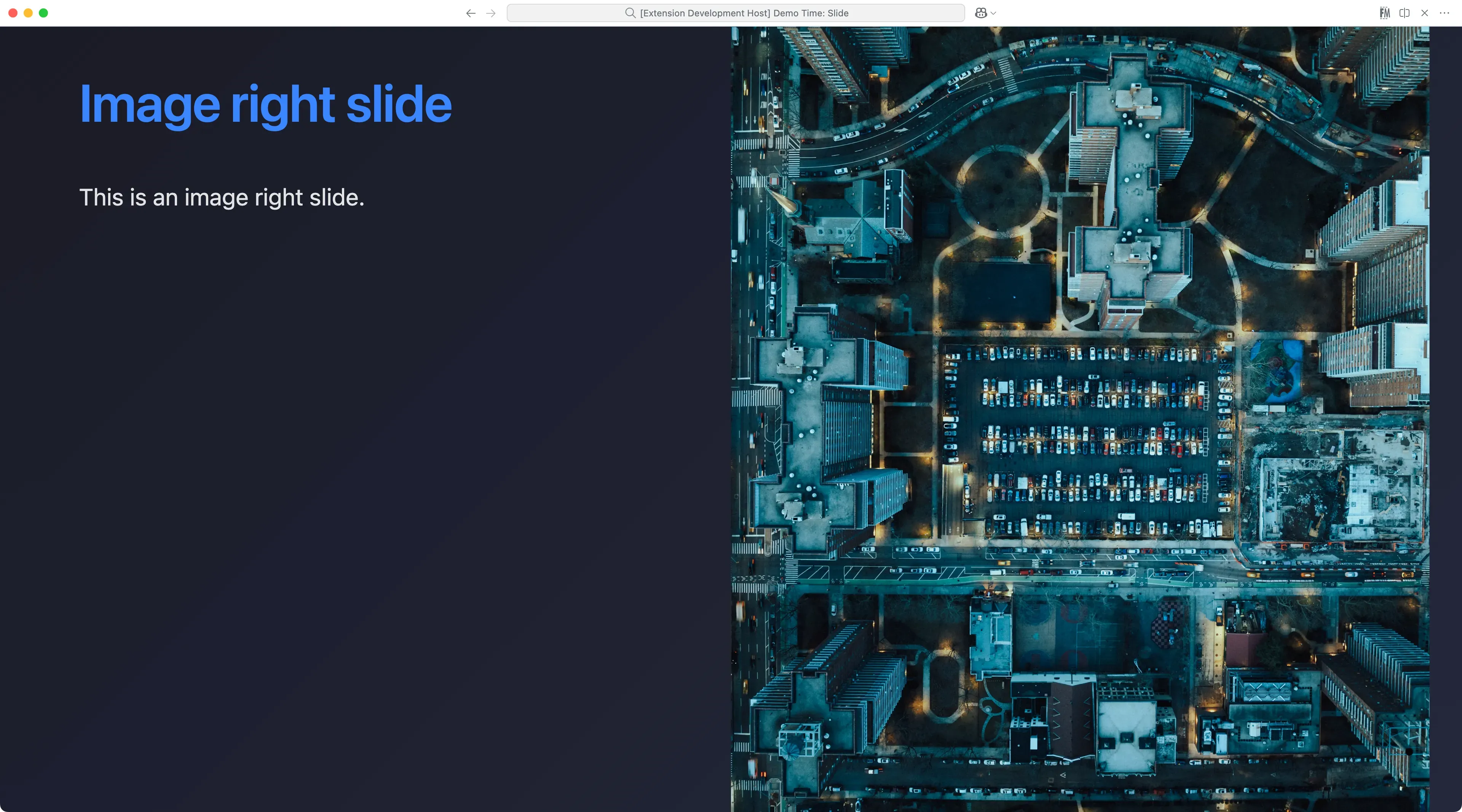
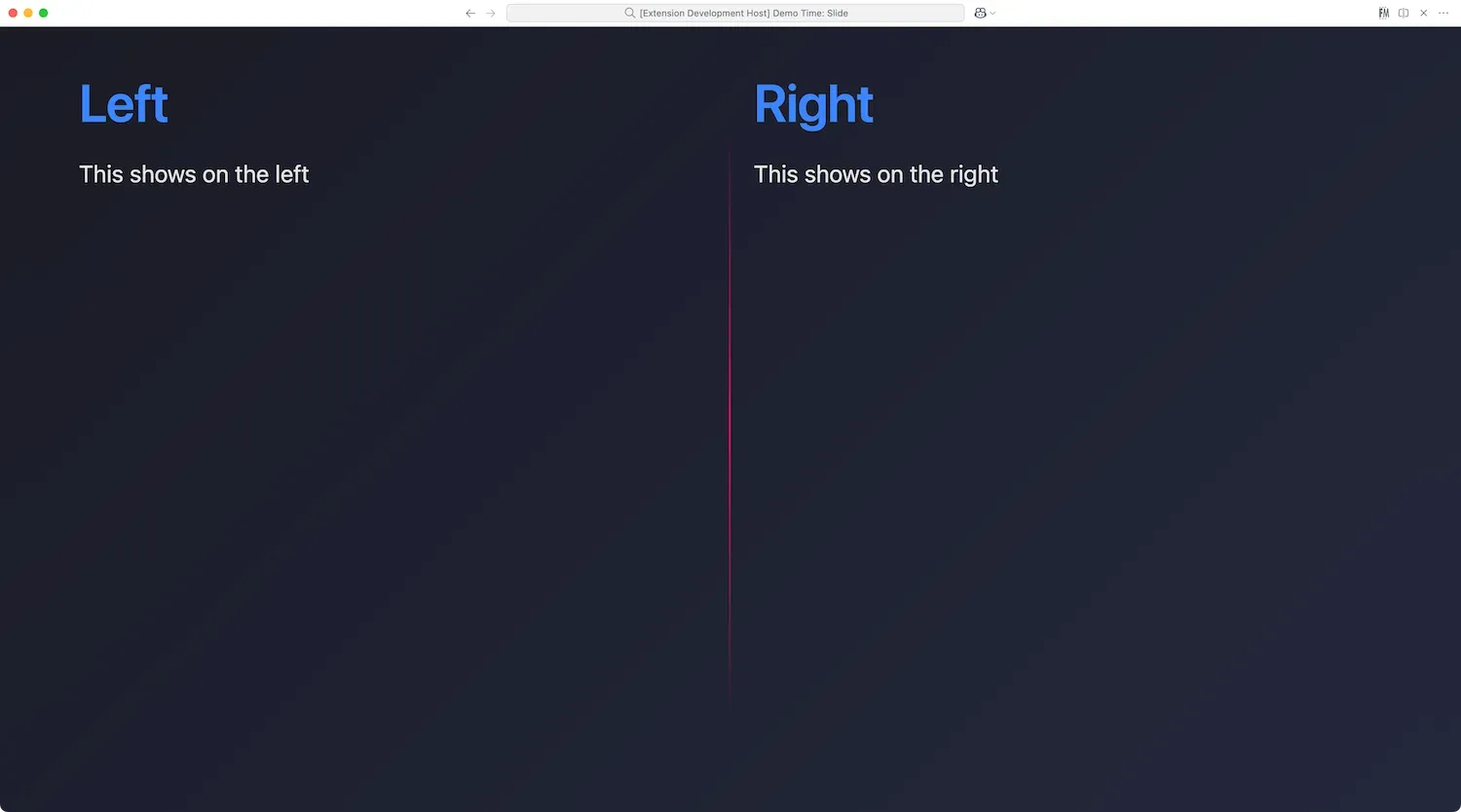
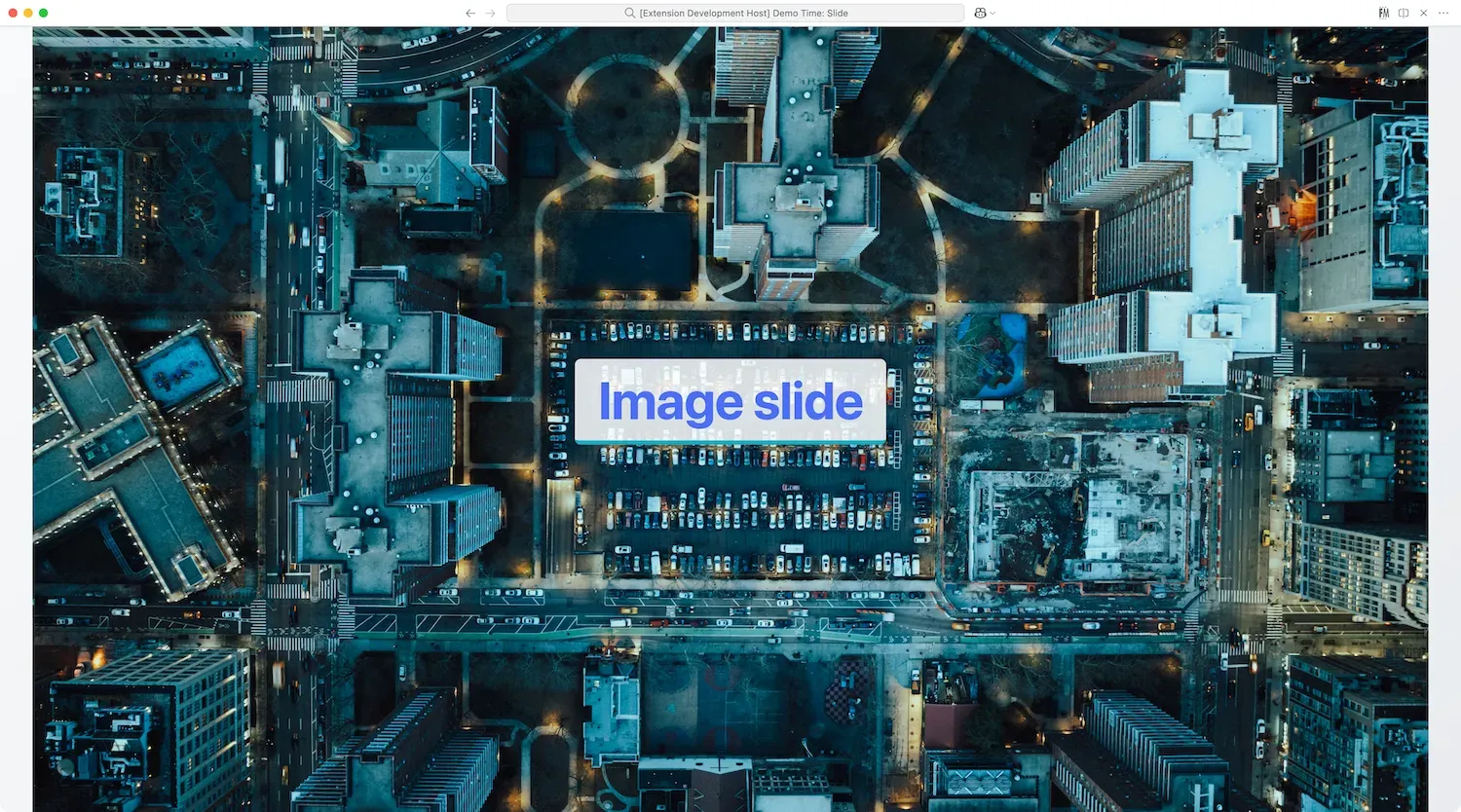
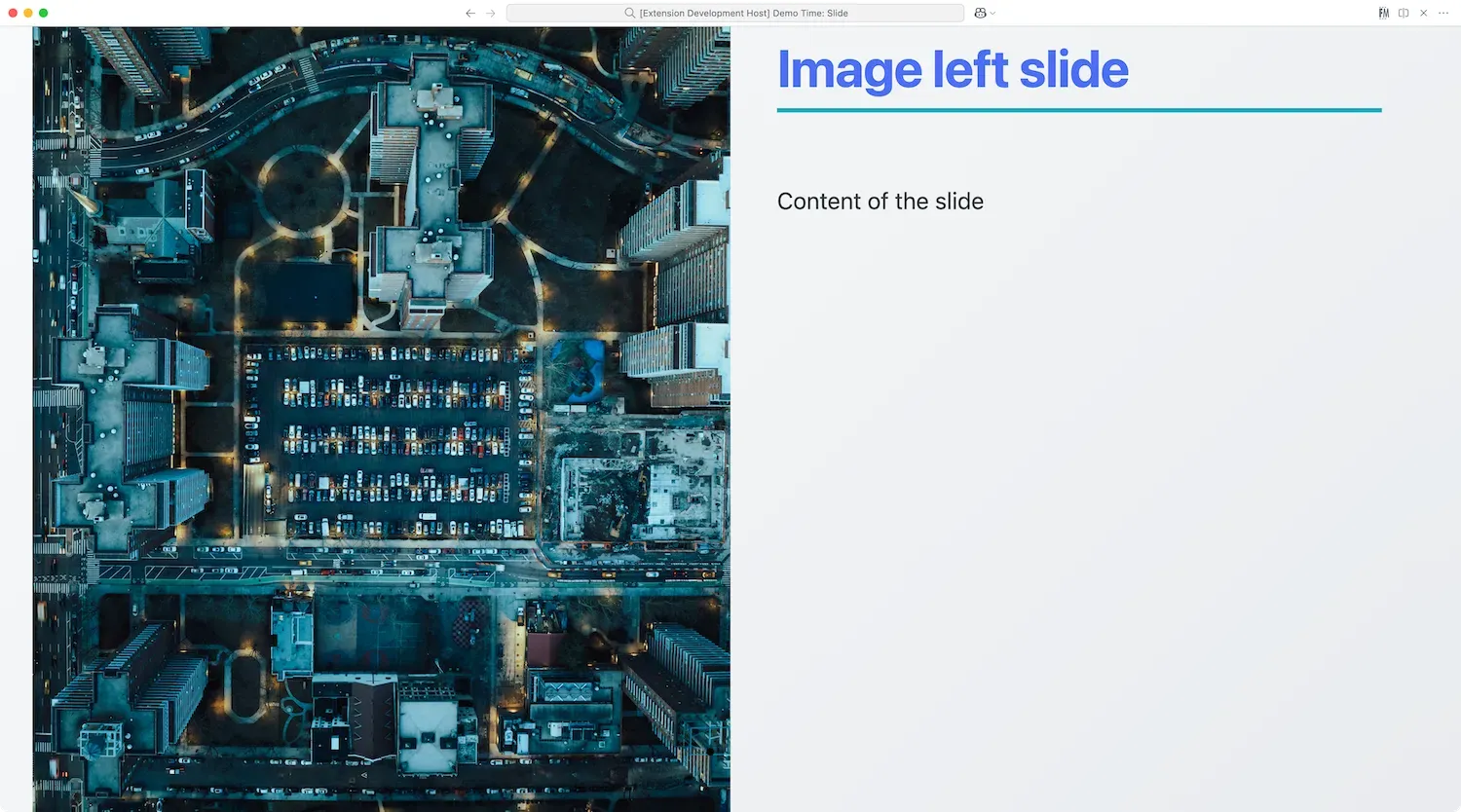
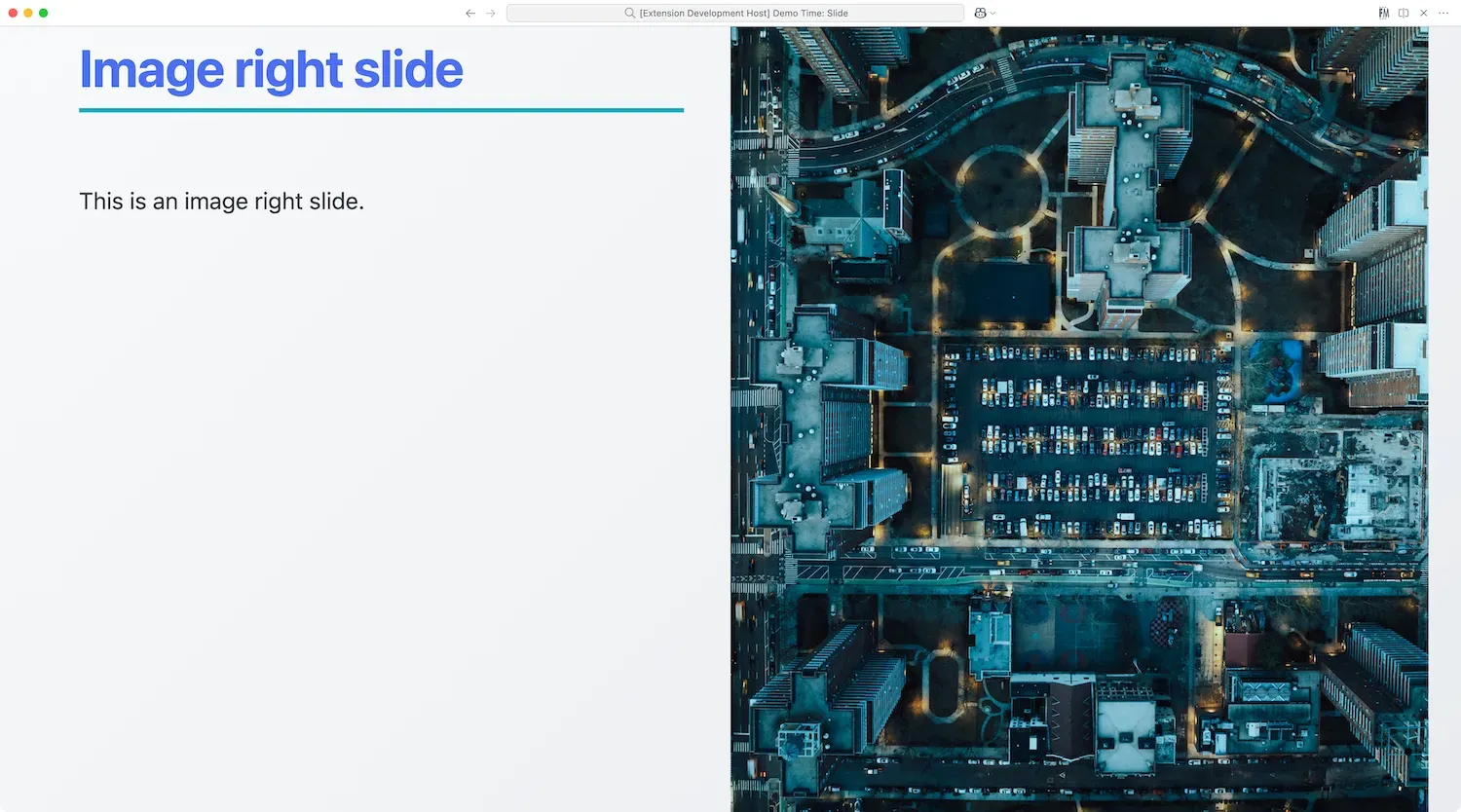
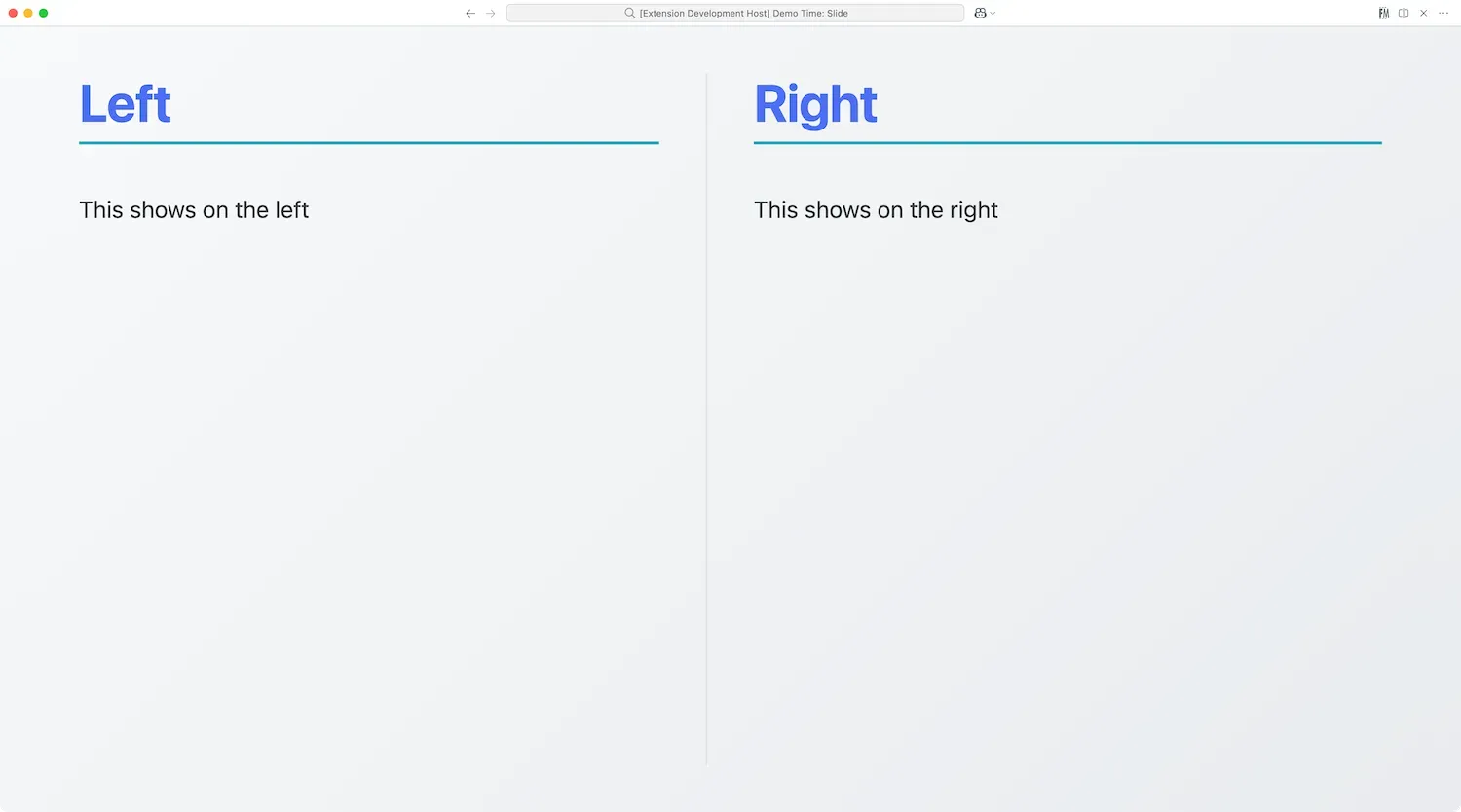
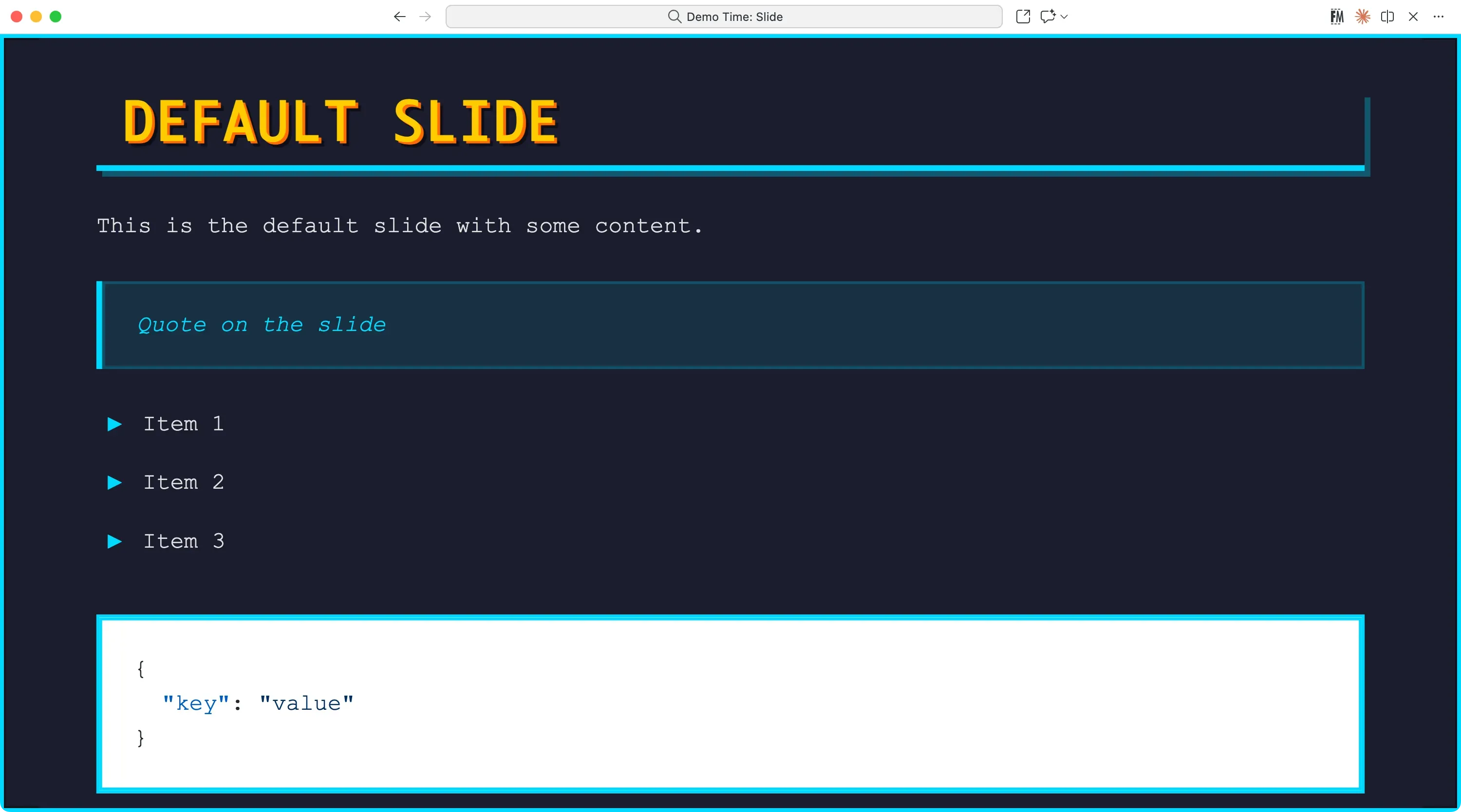
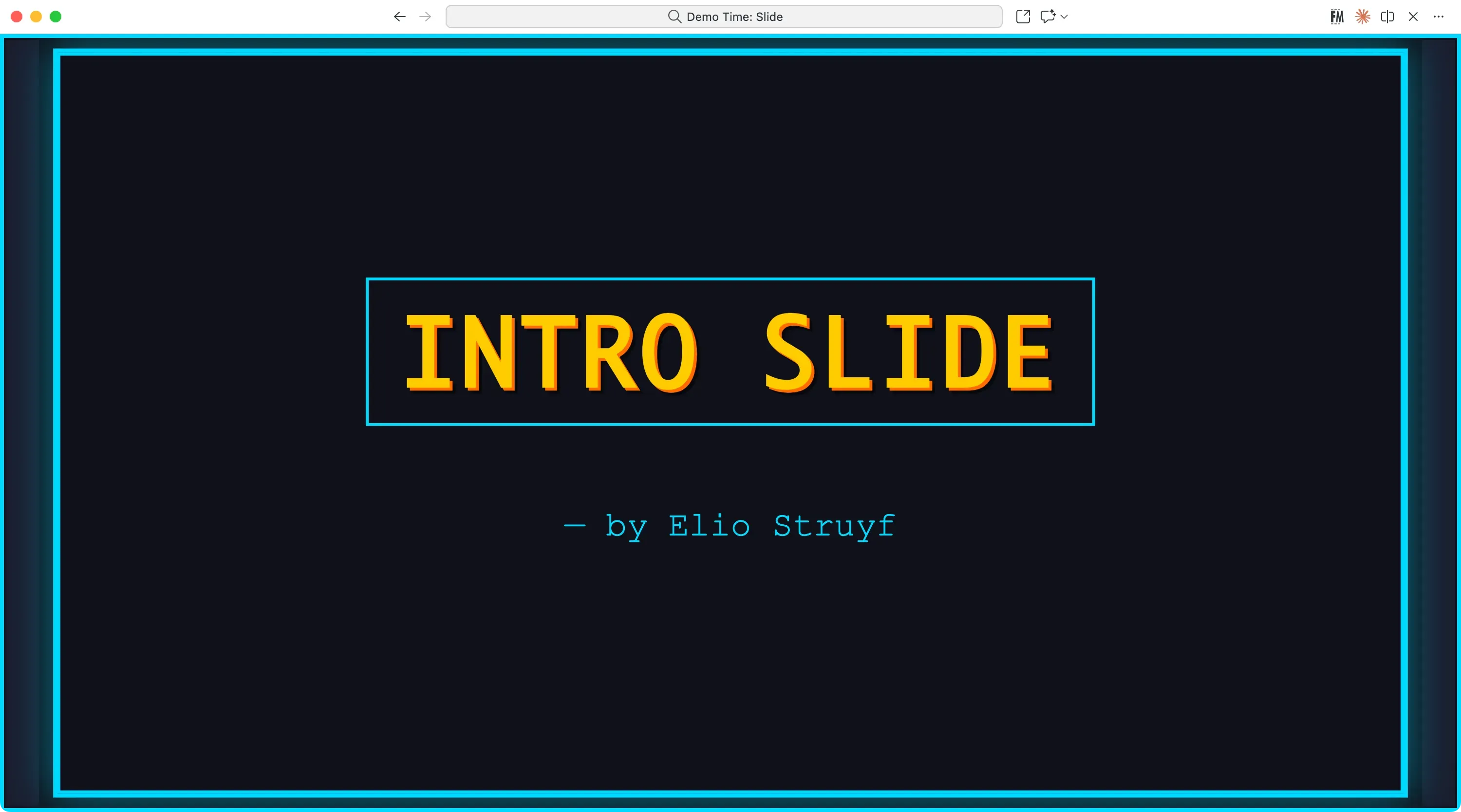
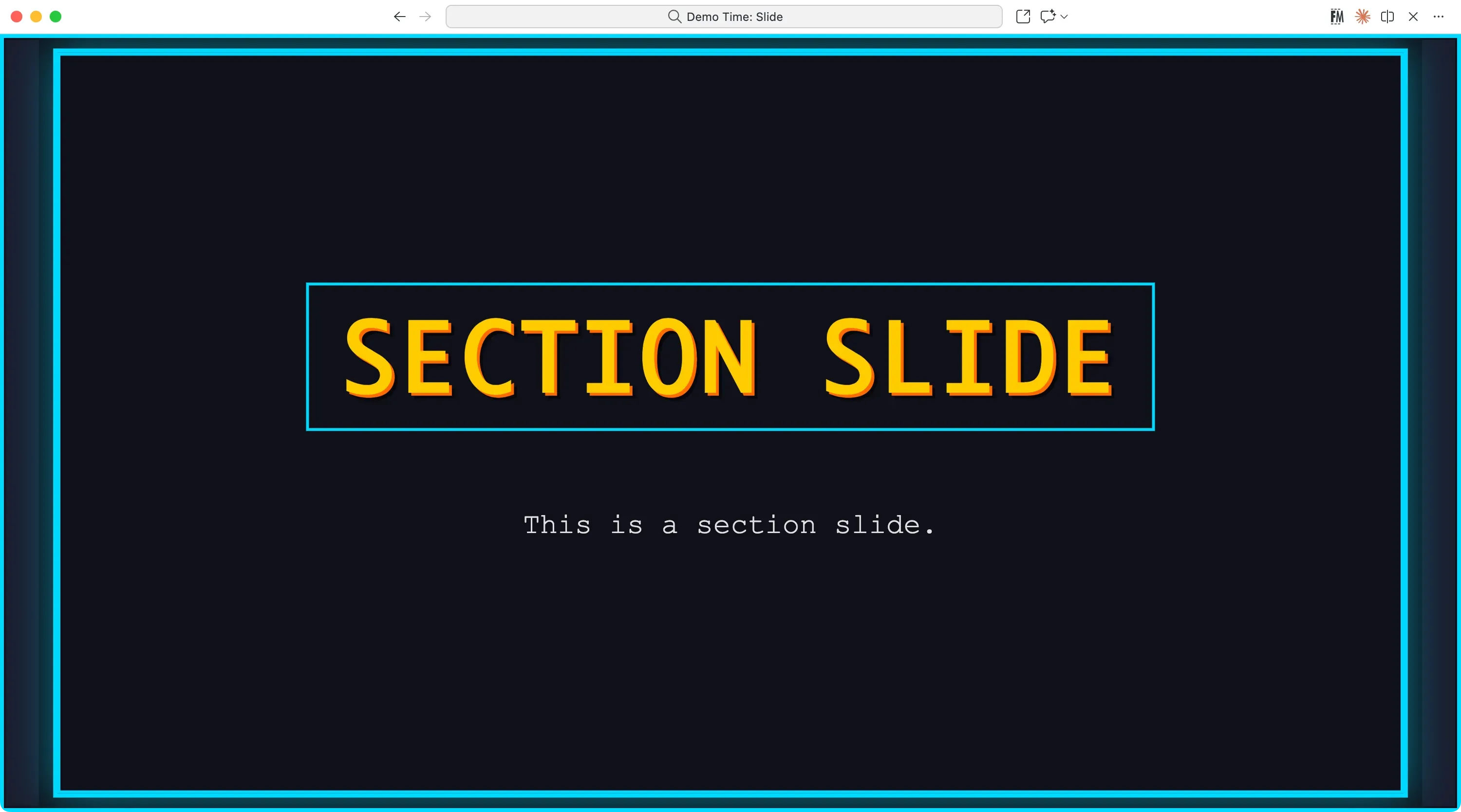
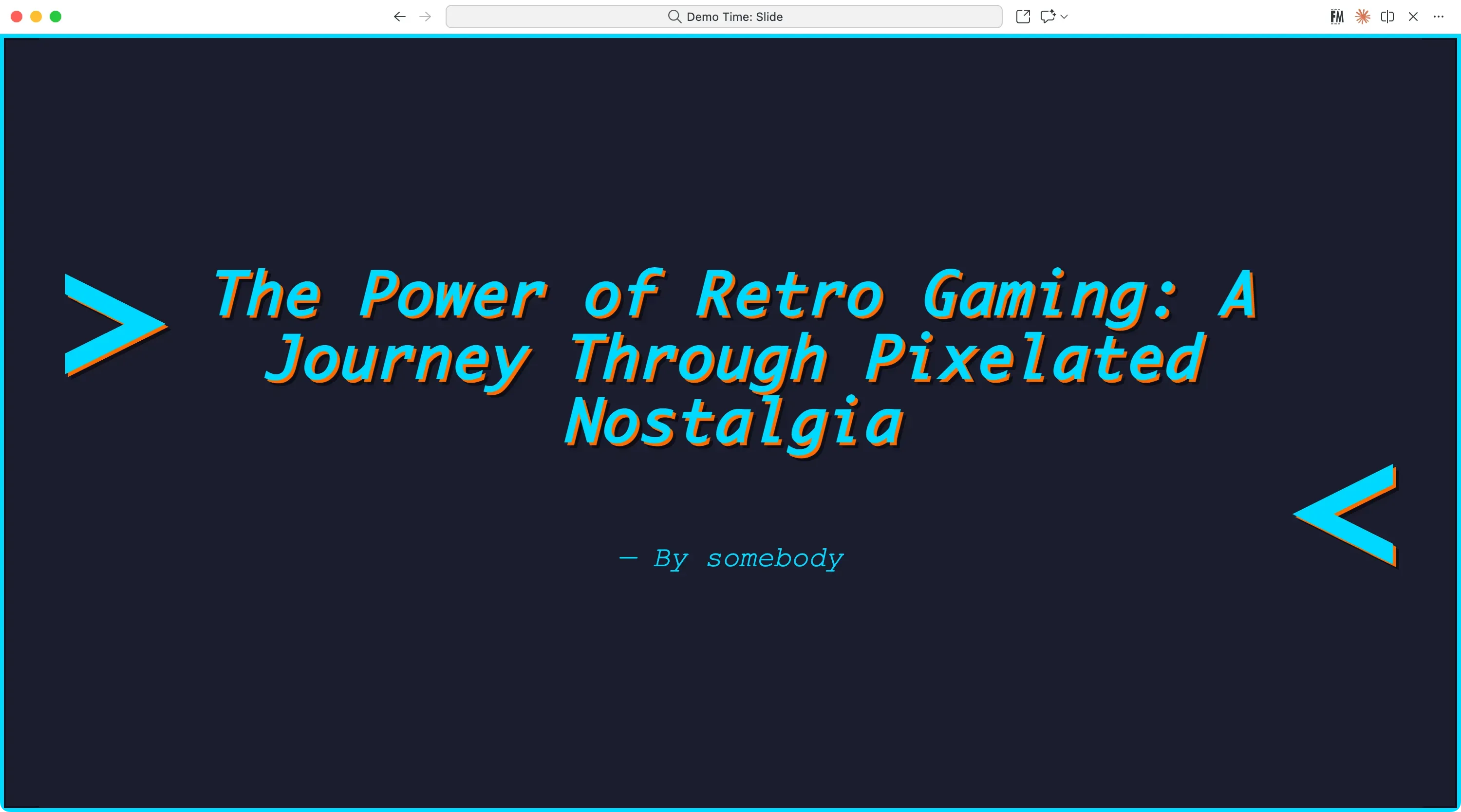
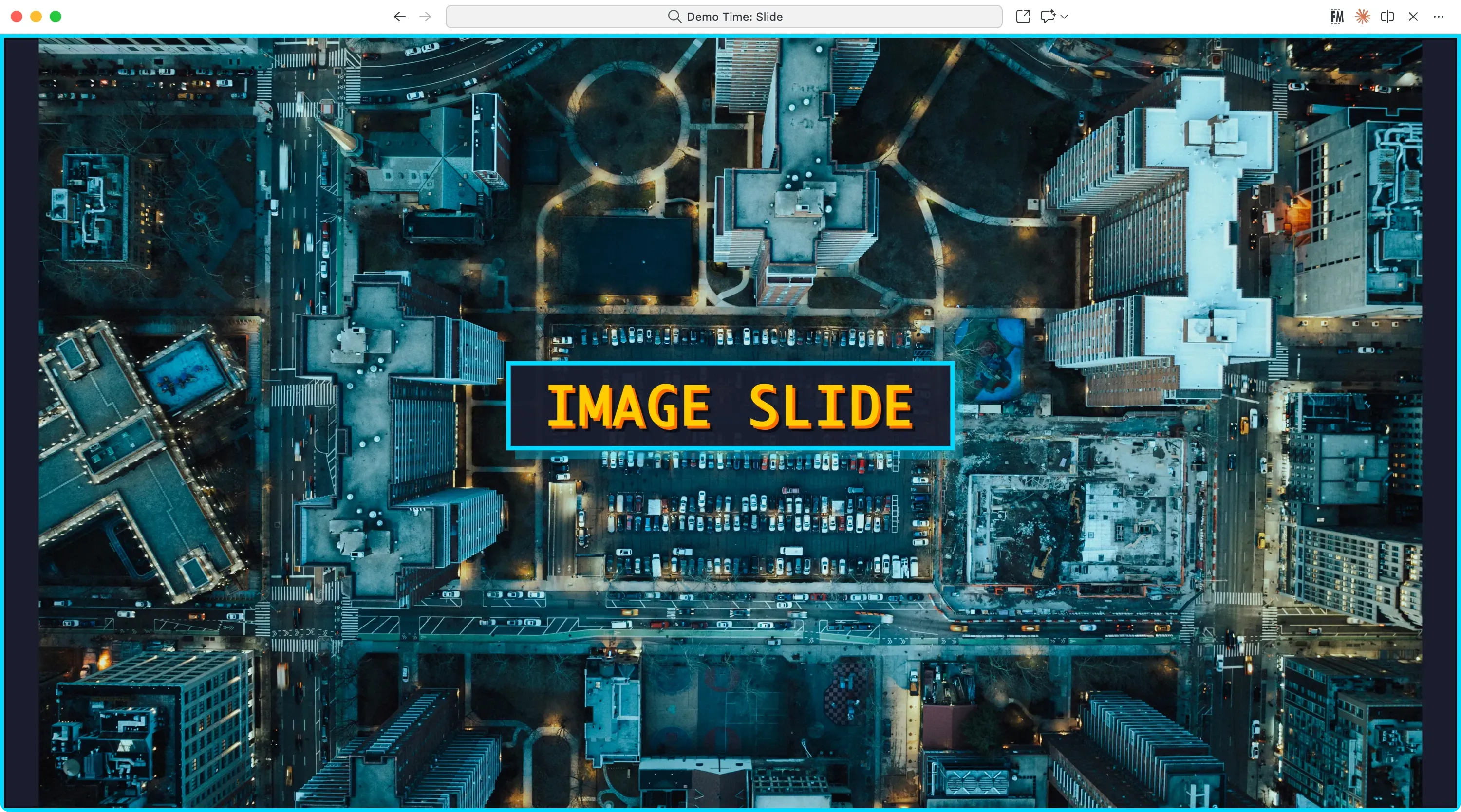
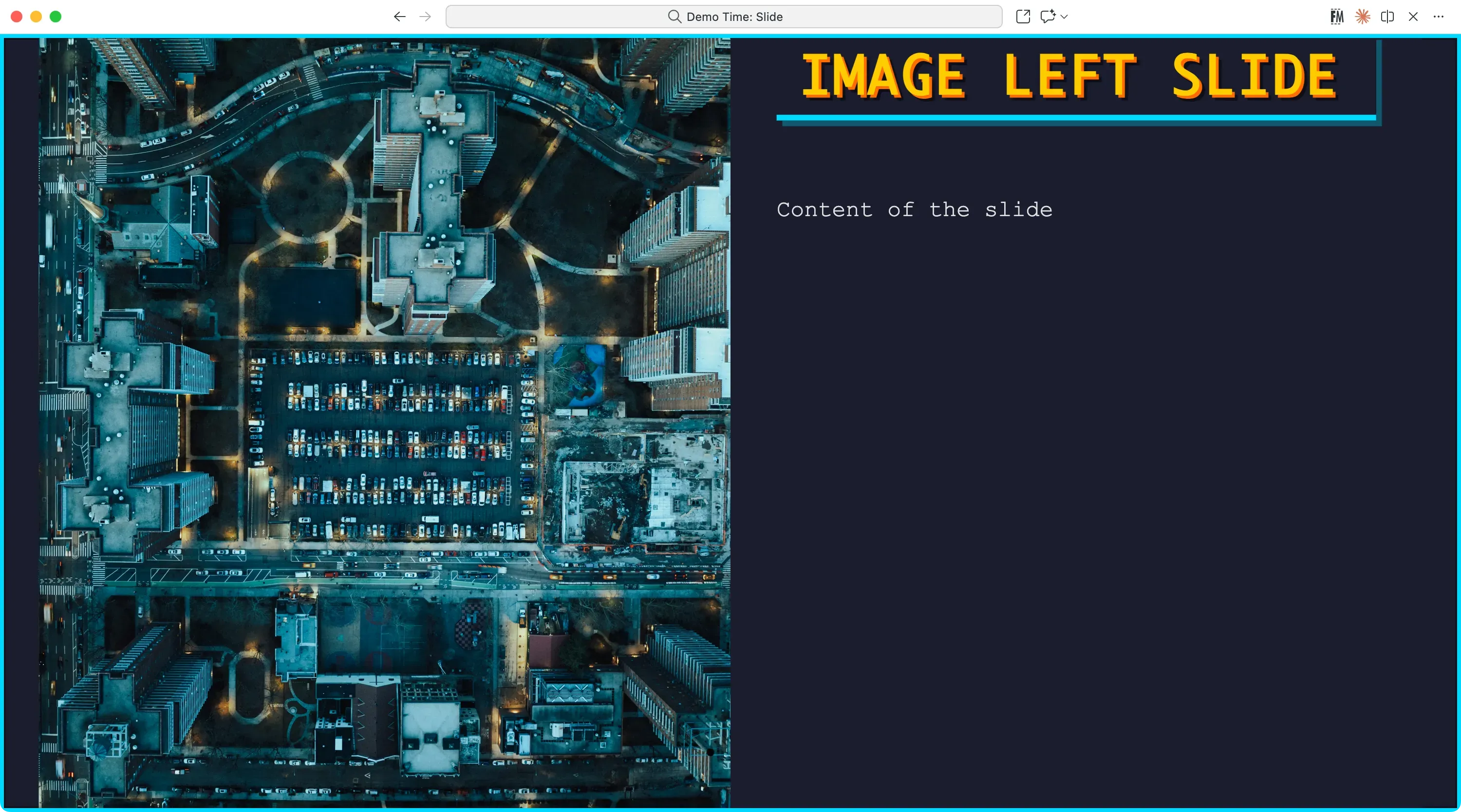
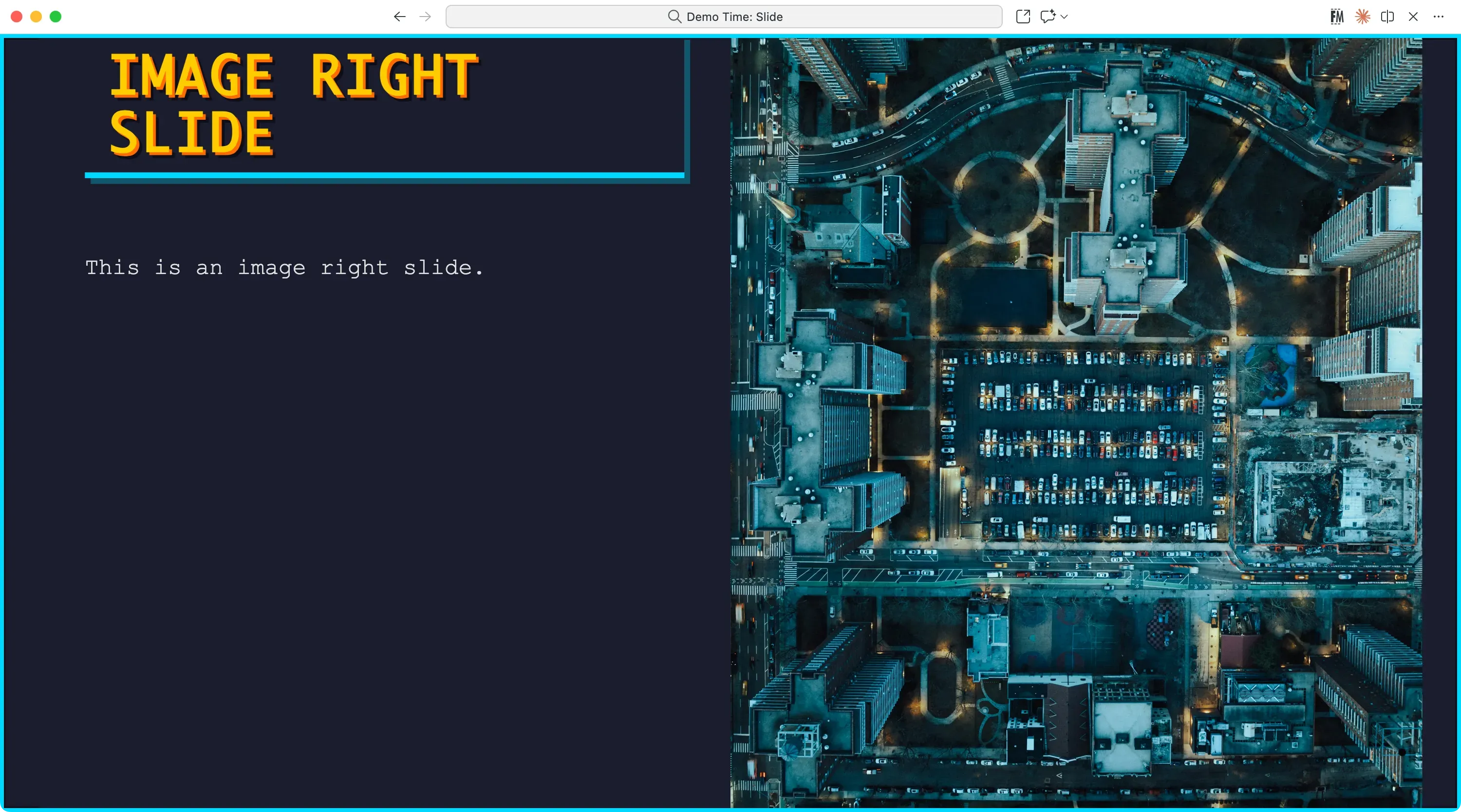
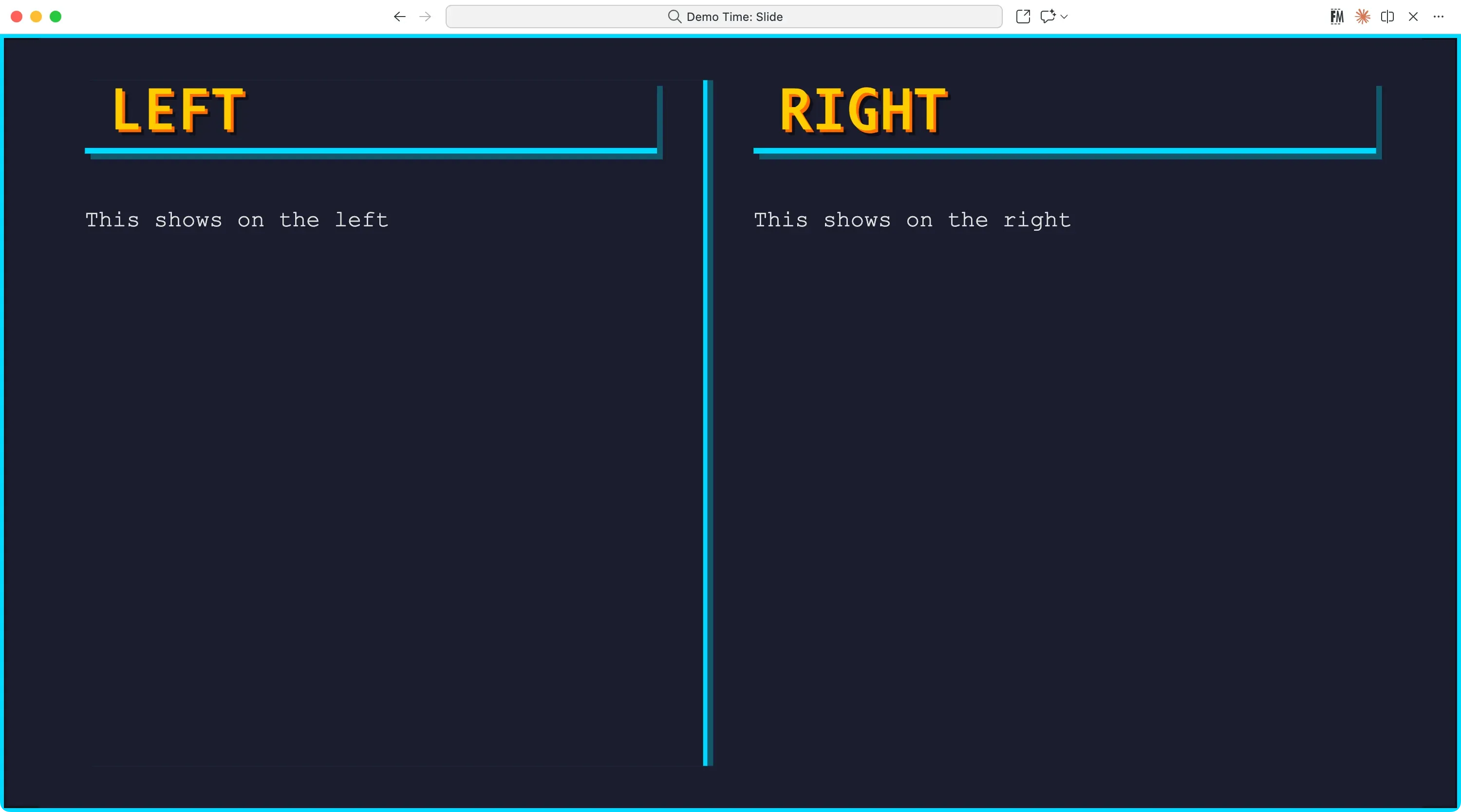
Pixels
Theme name: pixels
A retro, pixel-art inspired theme with vibrant colors and blocky graphics